
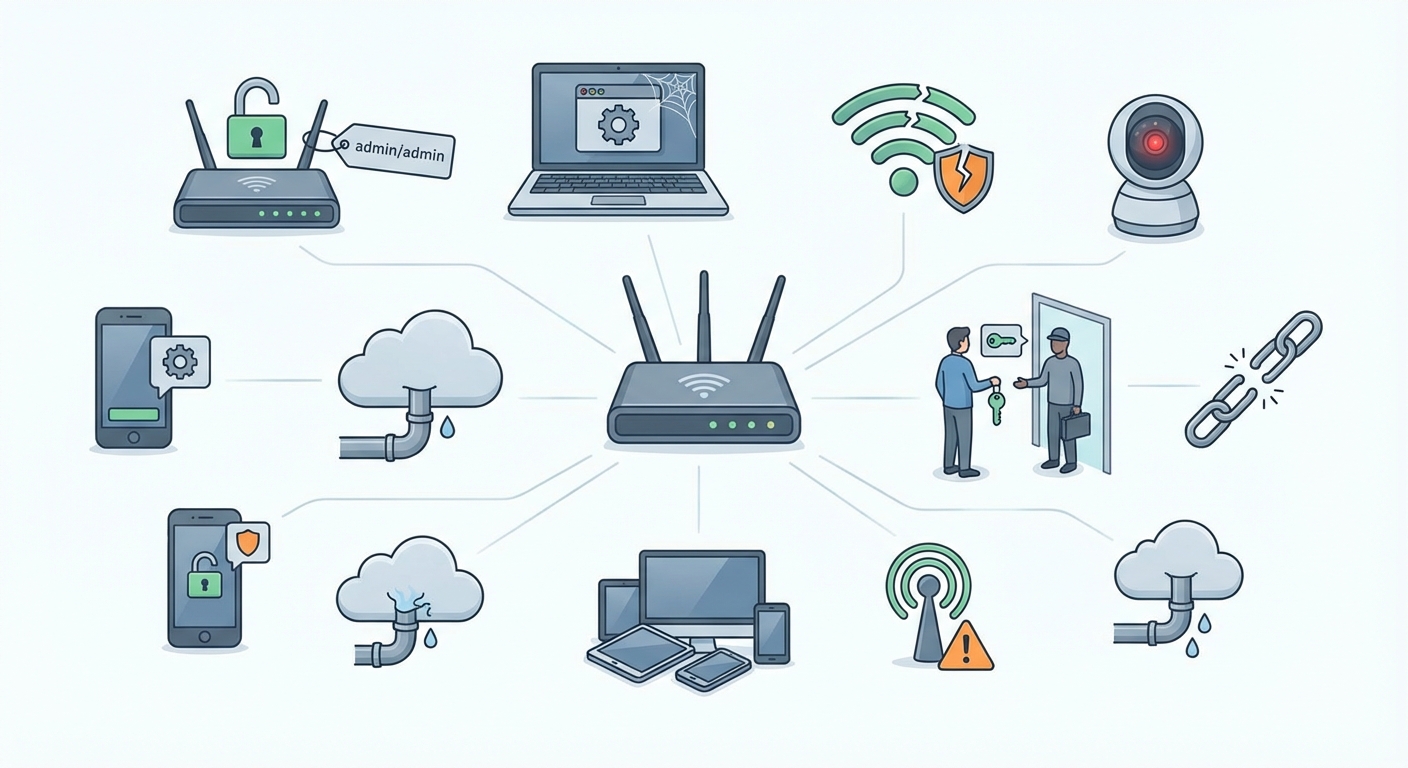
Your home network is probably less secure than you think. Most people assume their router’s default settings and basic antivirus software provide enough protection. They don’t.
Cybercriminals count on this false sense of security. They exploit simple oversights that leave your personal data, financial information, and connected devices vulnerable to attack. The good news? Most security breaches happen because of preventable mistakes.
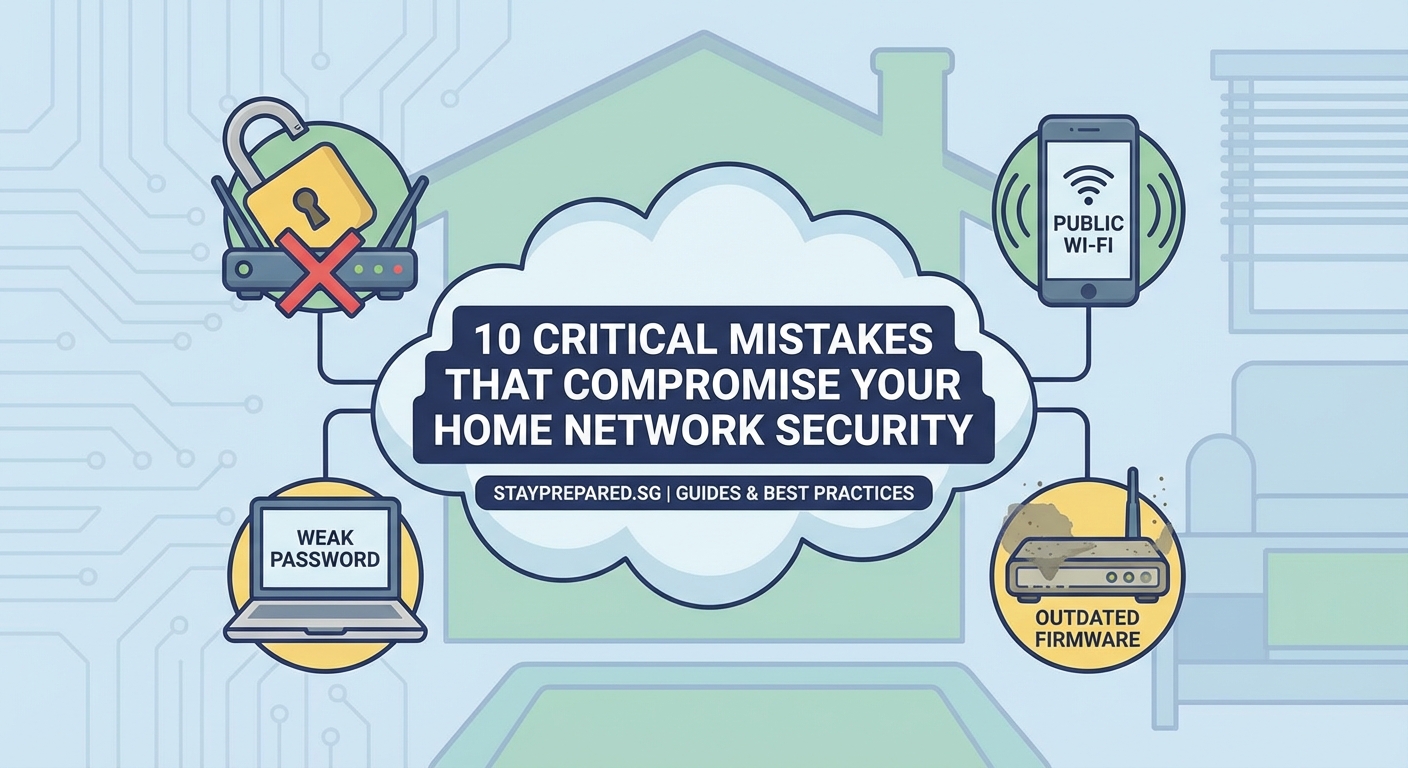
Home network security fails most often due to weak passwords, outdated software, unsecured routers, and poor device management. Understanding these common cybersecurity mistakes to avoid helps you build stronger defenses against threats. Small changes in your security habits can dramatically reduce your risk of data breaches, identity theft, and device compromise.
Using Weak or Recycled Passwords
Password reuse is one of the biggest security risks you face. Using the same password across multiple accounts means that if one service gets breached, attackers can access everything else you own.
Many people choose passwords that are easy to remember. Birth dates, pet names, and simple patterns like “password123” take seconds to crack with modern tools.
A strong password needs three things:
- At least 12 characters
- A mix of uppercase, lowercase, numbers, and symbols
- No dictionary words or personal information
Consider using a password manager to generate and store unique passwords for every account. These tools encrypt your credentials and only require you to remember one master password.
Two-factor authentication adds another layer of protection. Even if someone steals your password, they still need access to your phone or email to log in.
Ignoring Software Updates
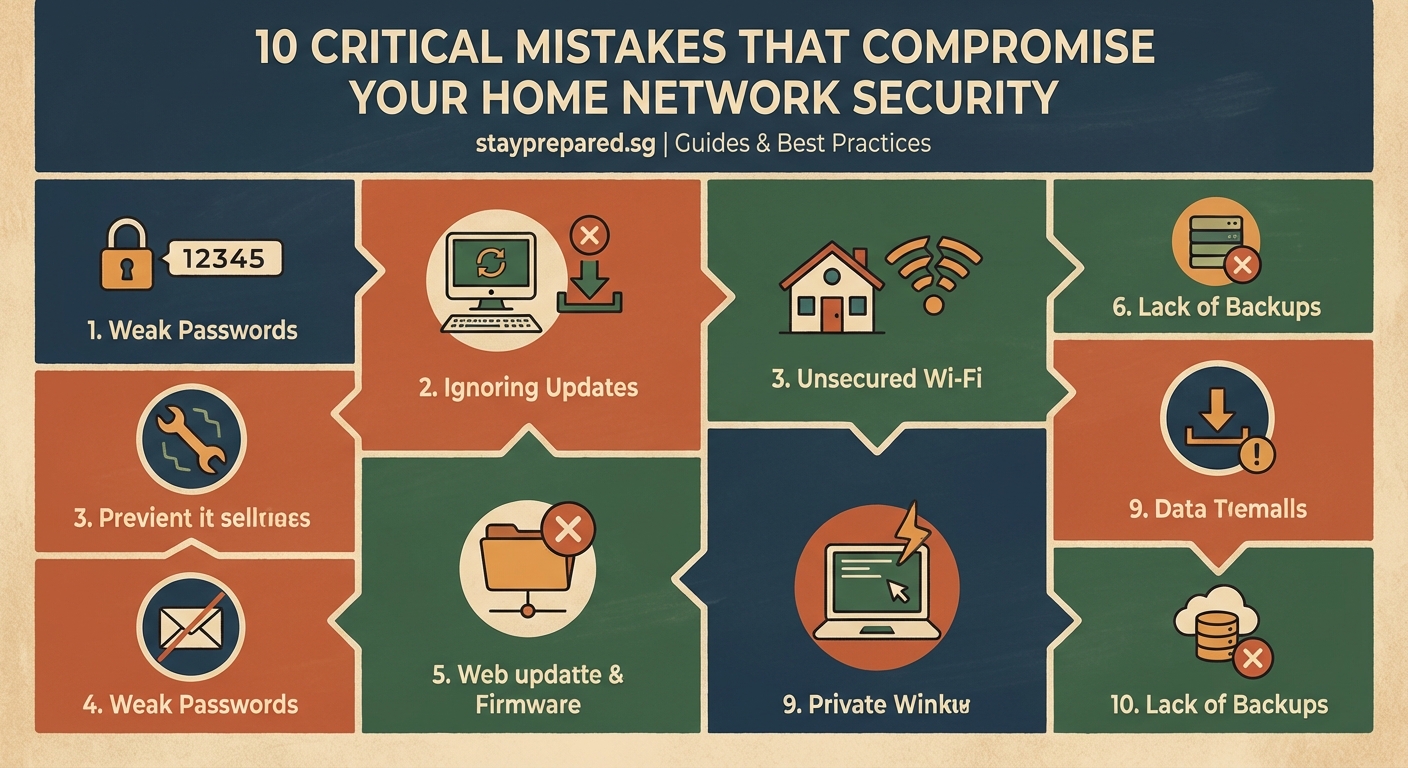
That update notification you keep dismissing? It’s not just adding new features. Software updates patch security vulnerabilities that hackers actively exploit.
Operating systems, browsers, and applications all contain code flaws. When security researchers find these weaknesses, developers release patches to fix them. But those same vulnerabilities become public knowledge, giving attackers a roadmap to target anyone who hasn’t updated.
Here’s how to stay current:
- Enable automatic updates on your operating system
- Set your applications to update automatically when possible
- Check for firmware updates on your router and smart devices monthly
Outdated software is low-hanging fruit for cybercriminals. They scan networks looking for devices running old versions with known exploits.
Your router firmware deserves special attention. Most people never update it after installation, leaving critical security holes open for years.
Leaving Your Router Unsecured
Your router is the gateway to everything on your network. Default settings make it an easy target.
Most routers ship with generic admin credentials like “admin/admin” or “admin/password.” If you haven’t changed these, anyone can access your router’s control panel and modify your security settings.
Your Wi-Fi network name (SSID) shouldn’t reveal personal information. Broadcasting “Smith Family Router” or your street address tells attackers exactly who they’re targeting.
| Router Security Element | Weak Setting | Strong Setting |
|---|---|---|
| Admin Password | Default (admin/admin) | Unique complex password |
| Wi-Fi Encryption | WEP or Open | WPA3 or WPA2 |
| SSID | Personal information | Generic non-identifying name |
| Remote Management | Enabled | Disabled unless needed |
| Guest Network | Not configured | Separate isolated network |
WPA3 encryption is the current standard. If your router doesn’t support it, WPA2 is acceptable. Never use WEP encryption, which can be cracked in minutes.
Disable WPS (Wi-Fi Protected Setup). This convenience feature has serious security flaws that allow attackers to bypass your password entirely.
Connecting to Public Wi-Fi Without Protection
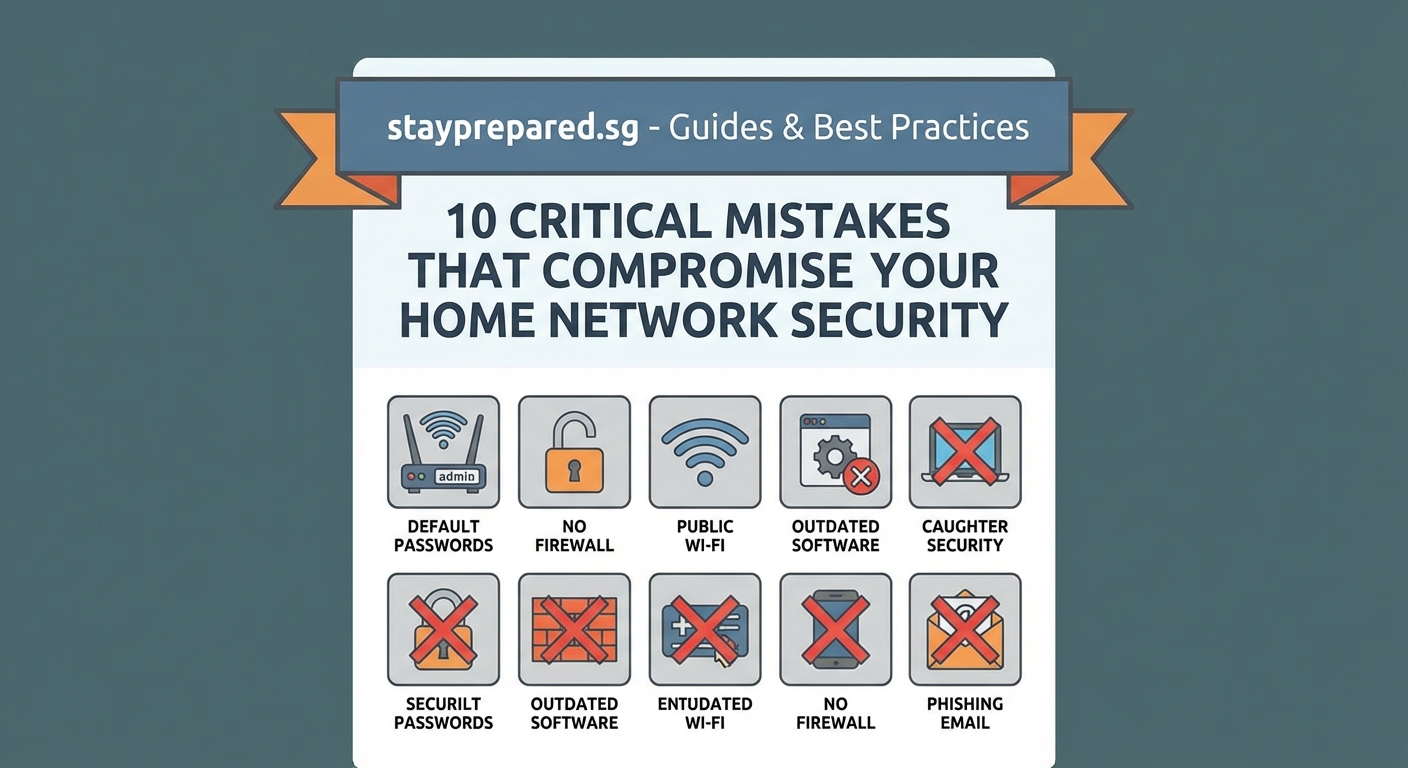
Coffee shop Wi-Fi is convenient but dangerous. Public networks have no security controls, making it easy for others to intercept your data.
Attackers set up fake hotspots with names like “Free Airport Wi-Fi” to trick people into connecting. Once you’re on their network, they can see everything you do online.
A VPN (Virtual Private Network) encrypts your internet traffic so others can’t read it. This protection is essential whenever you use public Wi-Fi.
Avoid accessing sensitive accounts on public networks. Banking, shopping, and work systems should wait until you’re on a trusted connection.
Turn off automatic Wi-Fi connection on your devices. This prevents your phone or laptop from joining networks without your knowledge.
Falling for Phishing Attempts
Phishing emails look increasingly legitimate. Attackers copy company logos, email formats, and writing styles to trick you into clicking malicious links or sharing credentials.
These messages create urgency. They claim your account will be closed, you owe money, or you’ve won a prize. The goal is to make you act before thinking.
“The most effective security tool you have is skepticism. Before clicking any link in an email, ask yourself if you were expecting this message and if the request makes sense. When in doubt, go directly to the company’s website instead of using links in the email.”
Check the sender’s email address carefully. Scammers use addresses that look similar to legitimate ones, like [email protected] instead of [email protected].
Hover over links before clicking to see where they actually lead. The displayed text might say “www.paypal.com” but the actual URL could be something completely different.
Never provide passwords, credit card numbers, or personal information through email. Legitimate companies don’t ask for sensitive data this way.
Neglecting Mobile Device Security
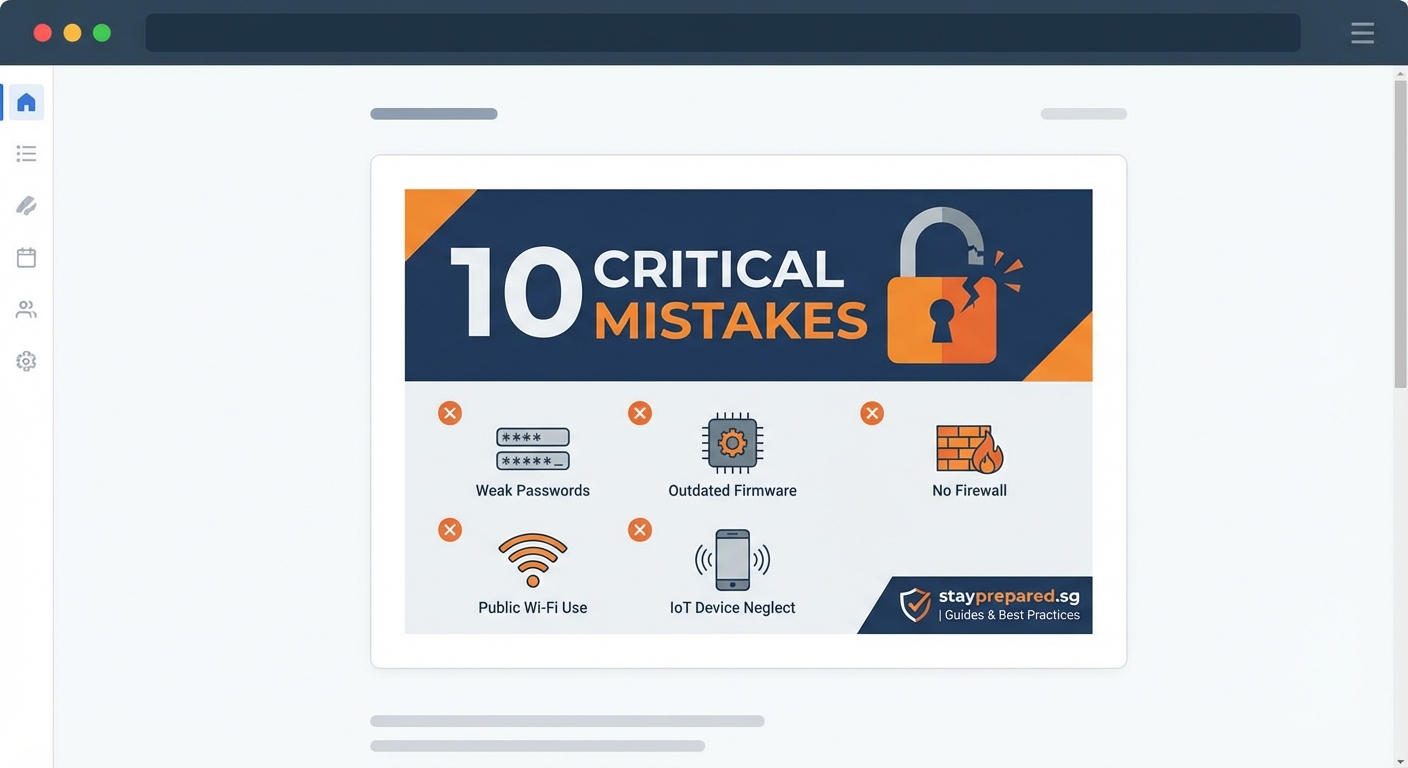
Your smartphone contains more personal information than your computer. Bank apps, email, photos, messages, and location data all live on a device you carry everywhere.
Many people don’t use screen locks or rely on simple four-digit PINs. Biometric authentication (fingerprint or face recognition) provides better security and convenience.
App permissions deserve scrutiny. Does a flashlight app really need access to your contacts and location? Review what each app can access and revoke unnecessary permissions.
Install apps only from official stores. Third-party app sources often host malware disguised as legitimate software.
Enable remote wipe capability on your devices. If your phone gets stolen, you can erase all data remotely to prevent unauthorized access.
Skipping Backups
Ransomware attacks encrypt your files and demand payment for the decryption key. Without backups, you face losing everything or paying criminals.
Hardware fails. Laptops get stolen. Accidents happen. Regular backups ensure you can recover your data when something goes wrong.
Follow the 3-2-1 backup rule:
- 3 copies of your data
- 2 different storage types (external drive and cloud)
- 1 copy stored off-site
Automate your backups so you don’t have to remember. Set up scheduled backups to run weekly at minimum.
Test your backups periodically. Verify that you can actually restore files from your backup system. Many people discover their backups failed only when they need them most.
Trusting Smart Devices by Default
Smart home devices add convenience but also create new security risks. Each connected device is a potential entry point to your network.
Many IoT (Internet of Things) devices have weak security. Manufacturers prioritize features and price over protection, leaving vulnerabilities that never get patched.
Change default passwords on every smart device. Security cameras, smart locks, and voice assistants all need unique credentials.
Create a separate network for your smart devices. Most routers let you set up a guest network. Put your IoT devices there so if one gets compromised, attackers can’t access your computers and phones.
Disable features you don’t use. If your smart TV has a camera and microphone but you never use video calls, turn them off or cover the camera.
Research products before buying. Check if the manufacturer regularly releases security updates and how long they support older models.
Sharing Too Much Information Online
Social media posts reveal more than you realize. Your location, daily routine, vacation plans, and personal details help attackers build profiles for targeted attacks.
Password reset questions use information people commonly share online. Mother’s maiden name, first pet, high school mascot, and birthplace are all discoverable through social media.
Adjust your privacy settings on every platform. Limit who can see your posts, photos, and personal information. Public profiles give strangers full access to your life.
Be cautious about accepting friend requests from people you don’t know. Fake profiles are used to gather information and spread malware.
Location tagging tells everyone when you’re away from home. Post vacation photos after you return, not while you’re gone.
Overlooking Physical Security
Digital security means nothing if someone can physically access your devices. An unlocked computer in a coffee shop takes seconds to compromise.
Lock your screen whenever you step away. Set your devices to auto-lock after a few minutes of inactivity.
Shoulder surfing is real. People watch you type passwords in public places. Be aware of who’s around when entering sensitive information.
Secure your home network equipment. Routers and network devices should be in locked areas where guests can’t access them.
Dispose of old devices properly. Factory resets don’t always erase everything. Use data wiping software before selling or recycling electronics.
Building Better Security Habits
Cybersecurity isn’t about perfection. It’s about making yourself a harder target than the next person.
Start with the basics. Strong unique passwords, regular updates, and a secured router will prevent most attacks. Add layers over time as these habits become routine.
Security awareness is ongoing. New threats emerge constantly, but the fundamentals remain the same. Stay skeptical, think before clicking, and protect your digital life with the same care you protect your physical belongings.
Your home network security depends on consistent attention to these details. Small improvements compound over time, creating a much stronger defense against the threats you face every day.