
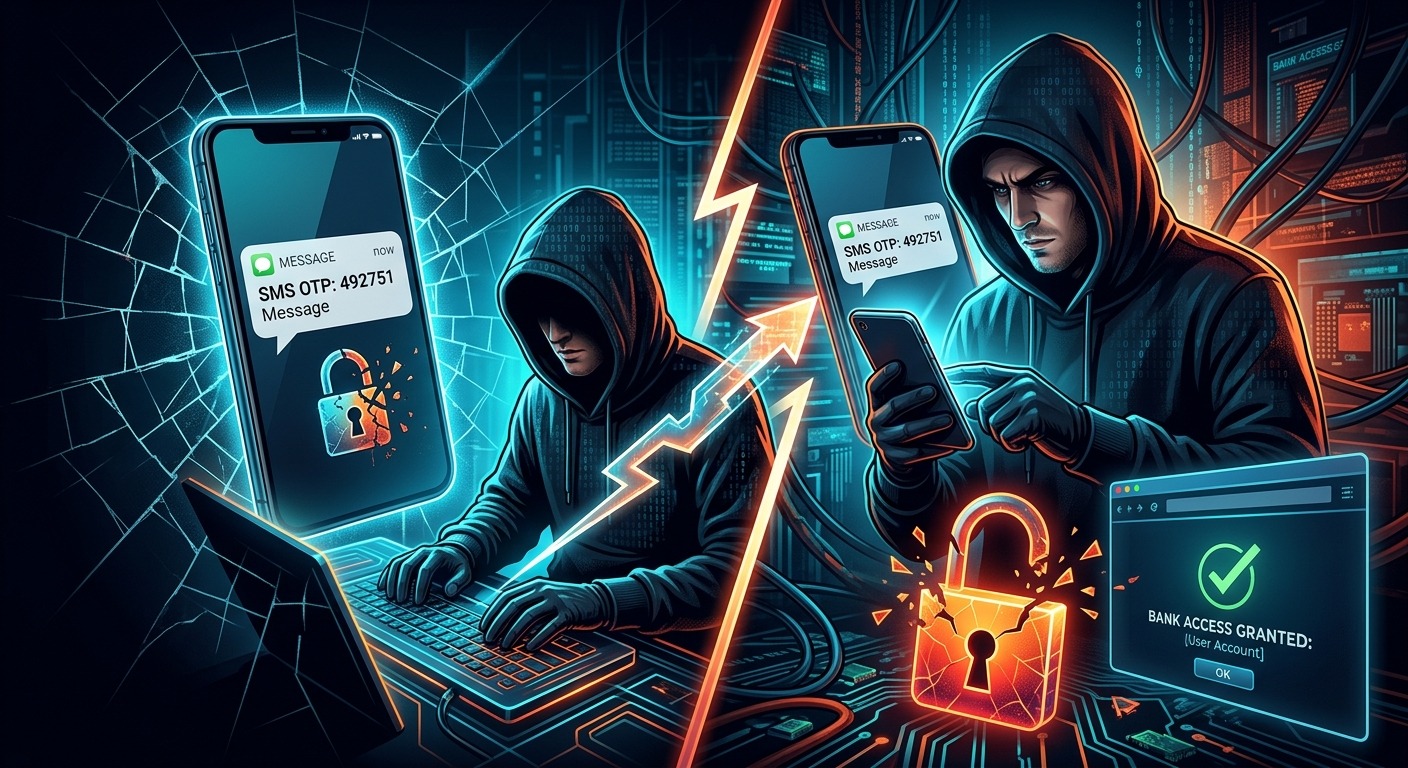
Your phone has been humming along normally all morning. Then the signal vanishes. No calls. No texts. No bars. You restart it, check the SIM tray, and assume there is a network issue. Somewhere across Singapore, a stranger is holding a freshly activated SIM card with your number on it. Your bank is about to send a one-time password, and it is going straight to them.
This is SIM-swap fraud. It requires no malware on your device. It requires no one to physically touch your phone. And if your accounts still rely on SMS for verification, the door is wide open.
Threat Briefing: Key Points
- SIM-swap fraud lets criminals redirect your mobile number to a SIM card they control, without ever touching your phone.
- Once they control your number, every SMS one-time password your bank sends lands in their hands instead of yours.
- International security standards bodies have officially classified SMS-based OTPs as a weak authentication method.
- Authenticator apps generate time-based codes stored entirely on your physical device, making SIM-swap attacks irrelevant.
- Switching to app-based 2FA takes less than ten minutes per account and costs nothing.
The Day Your Mobile Line Gets Stolen Without Warning
A Tuesday afternoon in Jurong. A retiree named Mei notices her phone has no signal. She waits. An hour passes. She assumes StarHub is having an outage. By the time she reaches a service centre, her savings account has been drained.
This is not a hypothetical. Reported cases in Singapore have shown fraudsters using stolen personal details to port phone numbers, opening a direct window into victims’ banking transactions. The attack affects people across all age groups and income levels. You do not have to be careless with your passwords to fall victim. You just have to be relying on SMS for your second factor.
What makes this attack so effective is how invisible it is in the early minutes. A phone losing signal is easily mistaken for a network glitch. Most people wait it out rather than acting immediately. That delay is precisely what the fraudster is counting on.
How SIM-Swap Fraud Actually Works
The mechanics are straightforward, which is part of why the attack has spread so widely. A fraudster contacts your mobile carrier and poses as you. They claim their SIM was lost or damaged and request that your number be transferred to a replacement SIM they already control.
Carriers have identity verification steps, but those steps can be bypassed when a fraudster has enough real personal information to answer security questions convincingly. Names, NRIC numbers, billing addresses, and account history can all be pieced together from earlier data breaches, phishing emails, or fake customer surveys circulated on messaging platforms.
Once the transfer is approved, your phone drops service. Their SIM now receives every call and message meant for you. That includes the one-time passwords your bank sends when someone tries to log in, initiate a transfer, or authorize a transaction.
From there, the fraudster uses credentials bought on the dark web or obtained through earlier phishing to access your account. The bank sends an OTP to “your number.” It arrives on the fraudster’s phone. They enter it. The bank sees nothing unusual. The transaction clears.
The Structural Weakness in SMS-Based One-Time Passwords
SMS OTPs were designed to add a second layer of security on top of passwords. The logic was sound: even if a criminal has your password, they would still need access to your phone to intercept the code. For a while, that was enough to block most attacks.
But SMS was never built to be a secure authentication channel. It is a messaging protocol. Codes sent over SMS can be intercepted through SIM swaps, through SS7 network protocol vulnerabilities, and through real-time phishing pages that relay codes back to fraudsters before the 60-second expiry window closes.
The National Institute of Standards and Technology, whose guidance shapes authentication practices in banking and government sectors worldwide, has explicitly addressed this risk. In its federal authentication guidelines, NIST classifies SMS-based OTPs as a restricted authenticator type, citing the specific threat of SIM-swap and number-porting attacks. That is not a theoretical concern buried in a footnote. It is a formal, public acknowledgment that the delivery channel itself is compromised.
In Singapore’s context, this risk is amplified by the country’s high mobile banking adoption. Transfers, bill payments, CPF-related transactions, and investment activity all flow through apps that lean heavily on SMS verification. Every account tied to your phone number carries the same exposure.
How Time-Based Codes Change the Equation
Authenticator apps operate on a completely different principle. Instead of delivering a code through your carrier to your phone number, they generate a code locally on your device. During setup, your authenticator app and the service you are securing share a secret key. Using that key alongside the current timestamp, both sides independently calculate the same six-digit code. The code refreshes every 30 seconds and immediately expires.
This approach follows an open internet specification for time-based one-time passwords, and it underpins two-factor authentication at major banks, email platforms, and cloud services worldwide.
Because the code is generated offline and never transmitted through a mobile network, a SIM swap has zero effect on it. A fraudster can fully take over your phone number. They can receive every SMS your carrier delivers. They will still never see a code produced by your authenticator app, because that code never left your device.
No mobile signal required. Nothing travelling through carrier infrastructure. Nothing interceptable in transit.
Seeing It in Action Before You Configure Anything
If you have never used an authenticator app before, the concept of a rotating six-digit code can feel abstract. Before you configure one on your actual accounts, it helps to watch one work in real time. A TOTP generator lets you observe live codes cycling on a 30-second countdown using a sample secret key. Watching the timer tick and the code change gives you an immediate, tangible feel for how the system works, well before you touch your actual bank or email settings.
SMS One-Time Passwords vs Authenticator App Codes
| Security Dimension | SMS One-Time Password | Authenticator App Code |
|---|---|---|
| Where the code is generated | Bank’s server, delivered via mobile carrier network | Locally on your physical device |
| Vulnerable to SIM-swap attacks | Yes. Code routes to whoever controls the number | No. Code never leaves your device |
| Works without mobile signal | No | Yes, fully offline |
| Tied to your phone number | Yes | No. Tied to a device-stored secret key |
| Interceptable via SS7 exploits | Yes | No |
| NIST authentication classification | Restricted authenticator, flagged for risk | Accepted and widely recommended |
Activating Authenticator-Based 2FA on Your Accounts
The setup process is simpler than most people expect. Here is the general flow across most platforms, whether you are securing a banking app, email account, or investment portal.
- Download an authenticator app from your device’s official app store. Google Authenticator, Microsoft Authenticator, and Authy are among the most widely supported options available for both iOS and Android.
- Open the security settings on the account you want to protect and find the two-factor authentication section. Select the authenticator app option rather than SMS.
- Scan the QR code displayed on screen using your authenticator app. This step transfers the shared secret key securely to your device.
- Confirm the setup by entering the six-digit code your app generates back into the website or app. This verifies the link is functioning correctly before it is saved.
- Store your backup recovery codes somewhere offline. Most services provide a set of one-time recovery codes during setup. Print them or write them down. If you ever lose your phone, these are what restore your access.
From that point forward, every login or high-value transaction will prompt you for the code from your app rather than a text message. No SIM card involved. No carrier infrastructure required.
Choosing an Authenticator App That Fits Your Setup
All mainstream authenticator apps use the same underlying standard, so any of them will work with any service that supports TOTP-based 2FA. The differences come down to backup options, multi-device access, and personal preference.
- Google Authenticator is clean, broadly supported, and now includes account sync via Google. This makes transferring codes to a new phone far less stressful than it used to be.
- Microsoft Authenticator integrates tightly with Microsoft accounts and supports passwordless sign-in for those services specifically, which is useful for professionals managing Office 365 access.
- Authy offers encrypted cloud backups and supports multiple devices simultaneously. If you switch between a phone and a tablet, this is worth considering.
- Apple’s built-in Passwords app on iOS 17 and later supports TOTP natively. iPhone users may already have everything they need without installing anything additional.
For most Singapore users securing personal banking and email, Google Authenticator or the Apple built-in option will be entirely sufficient. Start with one account, get comfortable with the process, and expand to other critical accounts from there. Your bank, your email provider, and your CPF account are the three highest-priority targets to address first.
Stop Trusting a Text Message With Your Savings
SMS OTPs were a genuine improvement over passwords alone. For a period, they raised the bar enough to stop most fraud attempts cold. That calculation has changed. SIM-swap attacks do not require sophisticated tools or technical skill. A phone call, enough personal information gathered from earlier leaks, and a willing carrier representative is all a fraudster needs to reroute your verification codes.
Singapore has one of the highest rates of digital banking adoption in Southeast Asia. That same connectivity that makes daily life convenient is what makes mobile number hijacking so appealing to fraudsters. The phone number has become a proxy for identity across banking, government services, and healthcare platforms. When that proxy can be taken over with a single social engineering call, every account tied to it carries the same fragile foundation.
The technology needed to close that gap already exists on your device. It is free. It takes minutes to activate. And it generates codes that no SIM swap can reach, because those codes never travel through any network the fraudster could intercept.
Every account you move from SMS verification to authenticator-based 2FA is an account a SIM-swap attack can no longer touch. That is not a marginal improvement. It is closing a door that fraudsters are actively walking through in Singapore right now. The only question worth asking is which accounts you are going to secure first.