
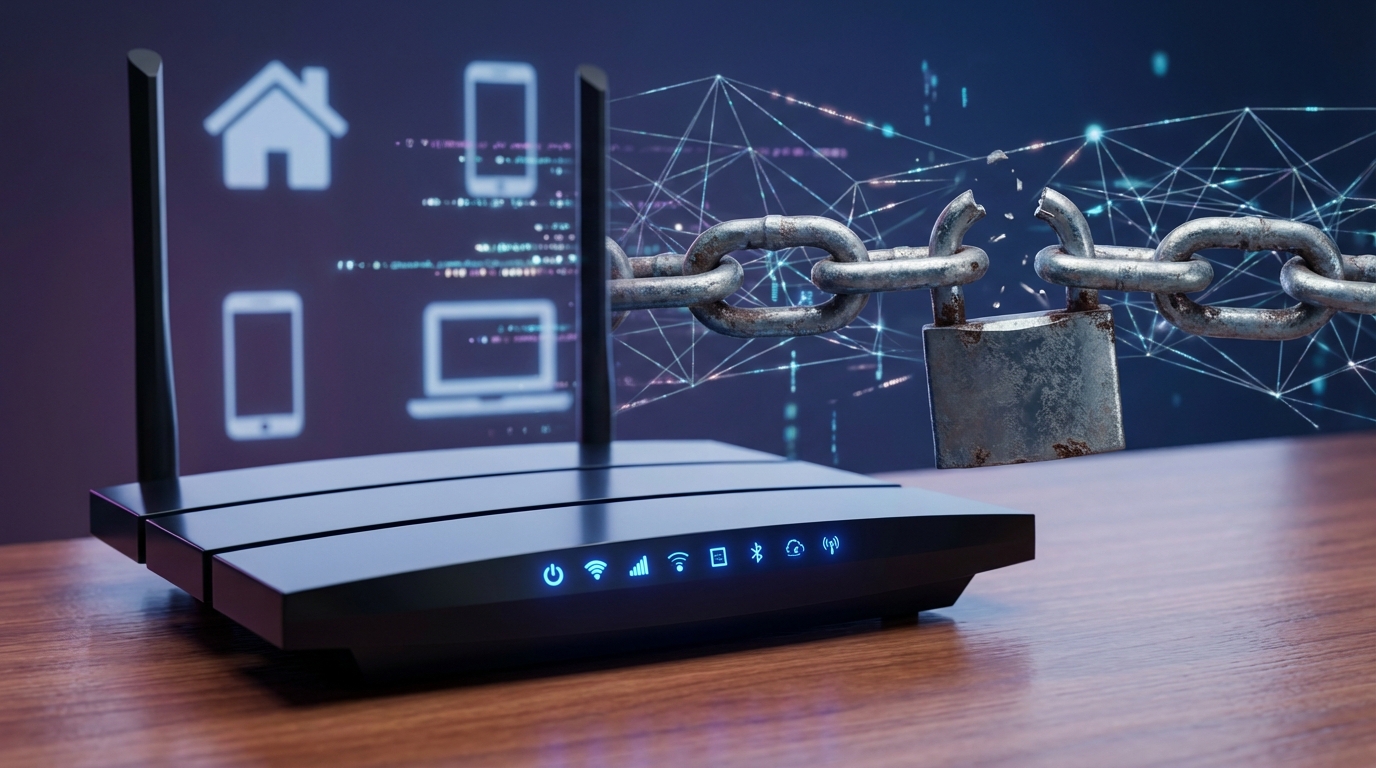
Your home router sits quietly in a corner, blinking its lights while connecting every device in your house to the internet. Most people set it up once and forget about it. That’s exactly what hackers count on. While you install antivirus software on your laptop and update your phone regularly, your router runs outdated firmware with default passwords, acting as an open door to everything you own online.
Routers become security weak points because they rarely get updated, often use default credentials, and control access to every connected device. Hackers exploit these vulnerabilities to steal data, hijack bandwidth, or launch attacks. Securing your router through firmware updates, strong passwords, and proper configuration protects your entire home network from common threats.
Your router controls everything but gets the least attention
Think about how many devices connect through your router right now. Your phone, laptop, smart TV, security cameras, thermostats, and even your refrigerator might be online. Every single one of these devices passes through your router to reach the internet.
Yet most homeowners never touch their router settings after the initial setup.
Internet service providers often install routers with convenience in mind, not security. Default passwords like “admin” or “password” stay unchanged for years. Firmware that patches security holes goes uninstalled because no one thinks to check for updates.
Your laptop tells you when it needs an update. Your phone downloads security patches automatically. Your router? It sits there vulnerable, running software from 2019 while new exploits emerge every month.
Why hackers target routers before anything else
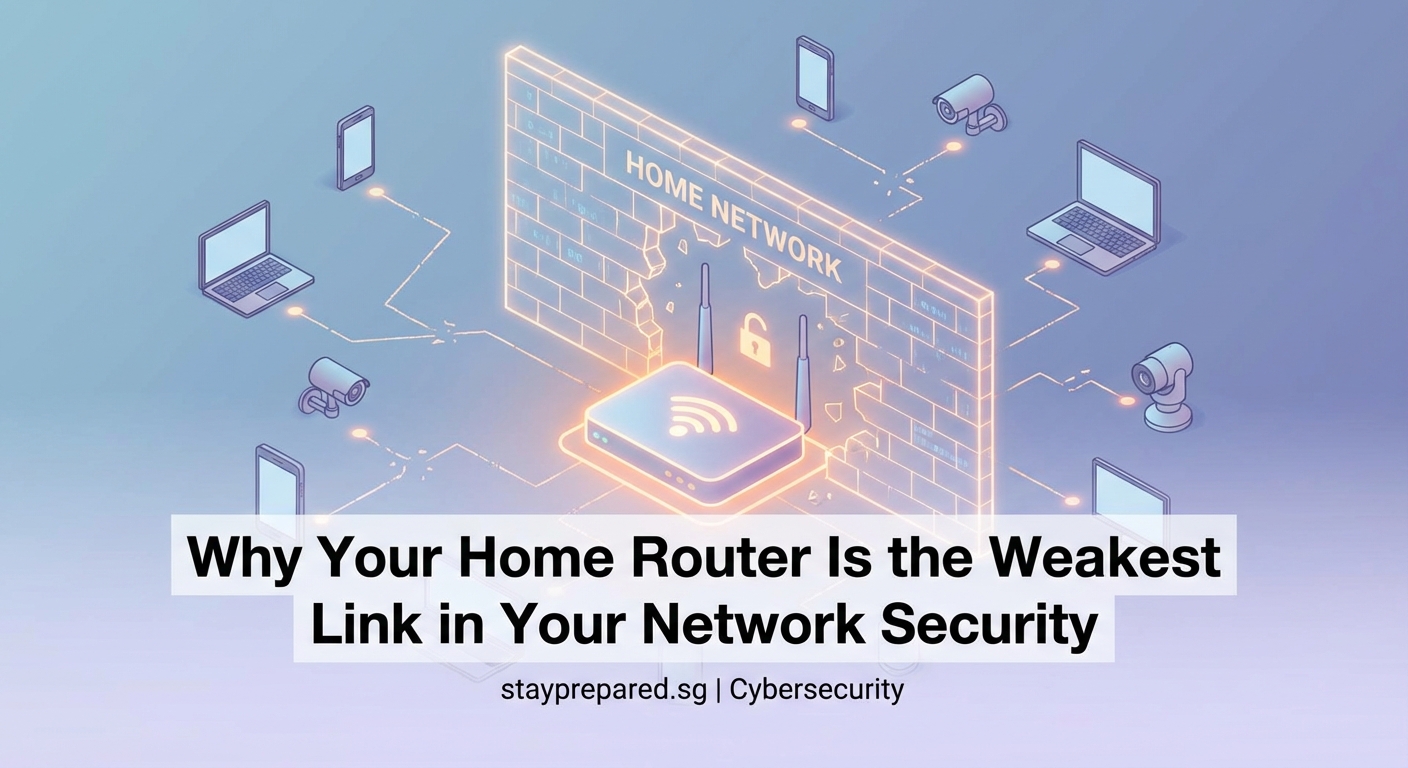
Routers make perfect targets for several reasons. They’re always on, always connected, and usually ignored. Compromising a router gives attackers access to everything behind it.
A hacked router lets criminals:
- Monitor all internet traffic passing through your network
- Redirect you to fake banking websites that steal credentials
- Use your internet connection for illegal activities
- Access devices on your network like cameras or computers
- Turn your router into part of a botnet for large scale attacks
- Inject malware into unencrypted web traffic
The beauty of attacking routers, from a hacker’s perspective, is that most people never notice. Your devices still work. Netflix still streams. You have no idea someone is watching everything you do online.
Common router vulnerabilities that put you at risk
Default credentials top the list of router security problems. Manufacturers ship routers with standard usernames and passwords. Anyone can find these defaults online in seconds. If you never changed yours, your router is wide open.
Outdated firmware creates the second major vulnerability. Router manufacturers release updates to fix security holes, but these updates don’t install themselves. A router running old firmware has known weaknesses that hackers actively exploit.
Weak encryption protocols represent another problem. Older routers might still use WEP or WPA encryption, both of which can be cracked in minutes. Modern WPA3 encryption exists, but only on newer routers with updated firmware.
Universal Plug and Play (UPnP) sounds convenient, and it is. It lets devices automatically configure port forwarding to connect to the internet. Unfortunately, malware can use UPnP to open ports and create backdoors without your knowledge.
Remote management features let you access your router settings from anywhere. They also let hackers access your router if the feature uses weak authentication or has security flaws.
| Vulnerability | Why It Matters | How Hackers Exploit It |
|---|---|---|
| Default passwords | Easy to guess or find online | Direct admin access to all settings |
| Outdated firmware | Contains known security holes | Automated scripts scan for vulnerable versions |
| Weak encryption | Old protocols easily cracked | Intercept and read all network traffic |
| UPnP enabled | Automatically opens network ports | Malware creates backdoors without permission |
| Remote management | Exposes admin panel to internet | Brute force attacks or exploit known flaws |
How to tell if your router has been compromised
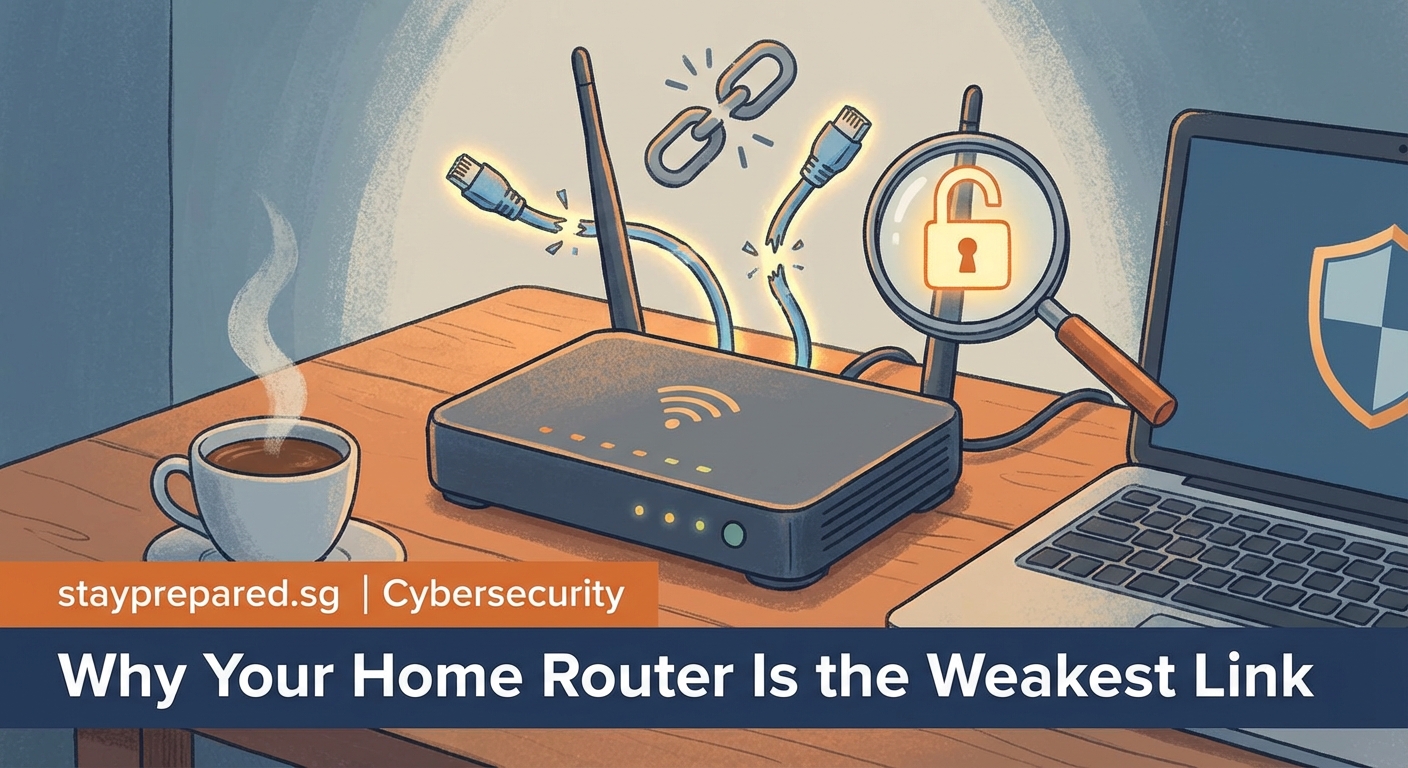
Spotting a compromised router takes attention because the signs can be subtle. Your internet might slow down as attackers use your bandwidth. Devices might lose connection randomly as malware interferes with normal operations.
Strange devices appearing on your network list indicate unauthorized access. Someone nearby could be stealing your WiFi, or worse, an attacker could have planted malicious devices on your network.
Your browser redirecting to unexpected websites suggests DNS hijacking. Attackers change your router’s DNS settings to send you to fake sites that look real but steal your information.
Unexpected router settings changes point to unauthorized access. If your password changed, new port forwarding rules appeared, or remote management turned on without your action, someone else has control.
If you notice your router’s settings have changed without your intervention, or if devices you don’t recognize appear on your network, treat it as a security incident. Disconnect the router from the internet immediately and perform a factory reset before reconfiguring with strong security settings.
Steps to secure your router right now
Securing your router doesn’t require technical expertise. These steps take less than an hour and dramatically improve your network security.
-
Change the default admin password to something unique and strong. Use at least 12 characters with a mix of letters, numbers, and symbols. Write it down and store it somewhere safe, not on a sticky note attached to the router.
-
Update the firmware to the latest version. Log into your router’s admin panel and check for updates. Some newer routers offer automatic updates, which you should enable if available.
-
Change your WiFi network name and password. Don’t use personal information in the network name. Create a strong WiFi password different from your admin password.
-
Disable WPS (WiFi Protected Setup) because it has known security flaws that make networks easier to crack. The convenience isn’t worth the risk.
-
Turn off remote management unless you absolutely need it. If you must use it, ensure it requires strong authentication and consider using a VPN for access.
-
Disable UPnP or limit it to trusted devices only. Most home networks don’t need this feature enabled for all devices.
-
Enable WPA3 encryption if your router supports it, or at minimum use WPA2. Never use WEP or WPA, which are easily compromised.
-
Change the default DNS servers to trusted providers. Using your ISP’s DNS servers or public options like Cloudflare or Google adds a layer of protection against DNS hijacking.
Creating a guest network for visitors and IoT devices
Guest networks isolate visitors and smart home devices from your main network. If a guest’s infected laptop connects to your WiFi, or if your smart lightbulb gets hacked, the problem stays contained.
Most modern routers include guest network features. Setting one up takes a few minutes and provides significant security benefits.
Put all IoT devices on the guest network. Smart TVs, security cameras, thermostats, and other connected gadgets often have poor security. Isolating them prevents a compromised device from accessing your computers or phones.
Give visitors guest network access instead of your main password. You can disable the guest network when not needed, and you never have to share your primary network credentials.
Monitoring your network for suspicious activity
Regular monitoring helps catch problems before they become serious. Check your connected devices list weekly. Most router admin panels show every device on your network.
Look for unfamiliar devices. If you see something you don’t recognize, investigate immediately. It could be a forgotten device, or it could be an intruder.
Review your router logs if your router provides them. Logs show connection attempts, configuration changes, and other activities. Learning to read basic logs helps you spot unusual patterns.
Consider network monitoring tools if you want deeper visibility. Some routers include built-in traffic monitoring. Third party tools can provide more detailed analysis of what’s happening on your network.
Set up email alerts if your router supports them. Notifications about firmware updates, failed login attempts, or new device connections help you stay informed without constant manual checking.
When to replace your router instead of just securing it
Sometimes securing an old router isn’t enough. Routers have limited lifespans, and older models can’t be made truly secure no matter what you do.
Replace your router if the manufacturer no longer provides firmware updates. A router without security patches accumulates vulnerabilities that can’t be fixed. Most manufacturers support routers for three to five years.
Consider replacement if your router doesn’t support WPA3 or at least WPA2 encryption. Security standards improve over time, and old encryption methods become increasingly easy to break.
Upgrade if your router lacks basic security features like guest networks, firewall configuration, or the ability to disable unnecessary services. Modern routers include these features as standard.
Performance issues combined with age suggest replacement. If your router is more than five years old and struggles to handle your current device load, newer models offer both better performance and improved security.
Building habits that keep your network protected
Router security isn’t a one time task. Building ongoing habits ensures your network stays protected as threats change.
Set a calendar reminder to check for firmware updates monthly. Manufacturers release patches throughout the year, not just when you remember to look.
Review your connected devices quarterly. Remove old devices you no longer use. Update passwords periodically, especially if you’ve shared your WiFi with temporary guests.
Stay informed about new router vulnerabilities. Major security flaws make the news when discovered. Knowing about them helps you take action before attackers exploit them.
Test your security annually. Online tools can scan your network for common vulnerabilities. Running these tests helps verify your security measures are working.
Document your router settings. Keep notes about what you’ve configured and why. If you need to reset your router, having this documentation makes reconfiguration faster and ensures you don’t forget important security settings.
Your router deserves the same attention as your devices
You lock your doors at night. You update your phone when it prompts you. Your router needs the same consistent attention.
The router weakest link security problem exists because of neglect, not complexity. Securing your router takes minimal time but protects everything connected to your network. Your personal information, your children’s devices, your work computer, and your smart home all depend on that box in the corner doing its job safely.
Start with the basics today. Change that default password. Check for a firmware update. Enable WPA3 if you can. These simple actions close the door that’s been standing open, waiting for someone to notice. Your network security is only as strong as its most vulnerable point, and for most homes, that point is the router. Make it your strongest defense instead.