
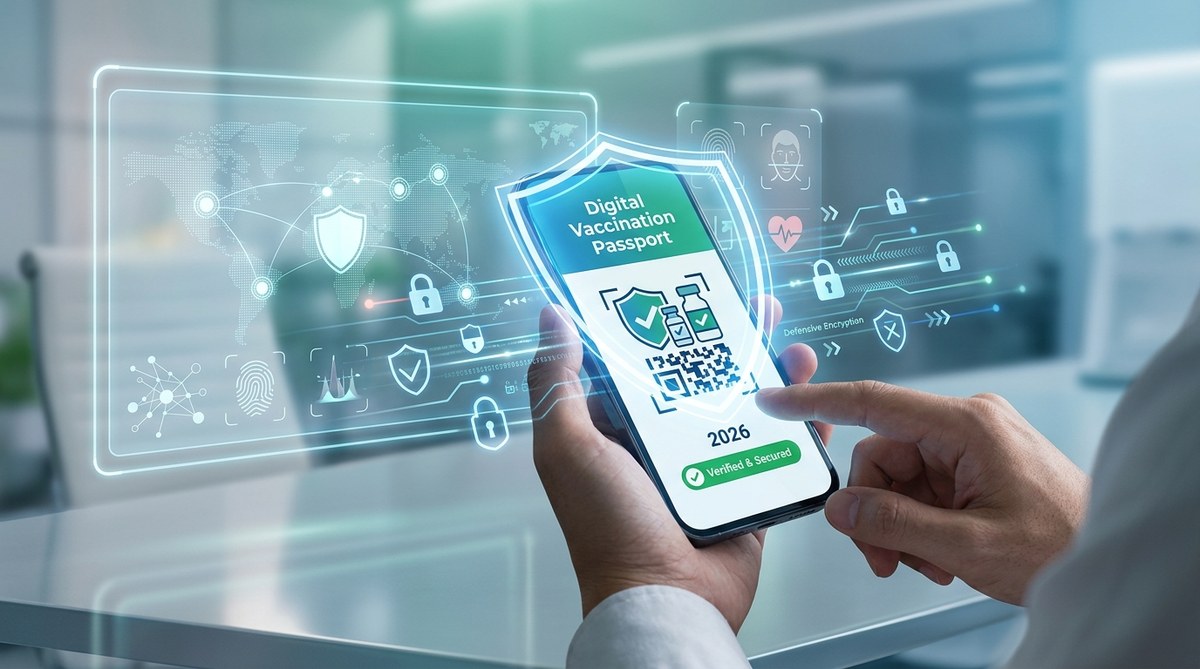
You are packing for a trip abroad in 2026. Passport, boarding pass, and that digital vaccine passport on your phone. It feels convenient, like having a boarding pass in your wallet. But do you know who else wants a digital copy? Cybercriminals. Your vaccination record is a gold mine of personal details — your full name, date of birth, health history, and government ID numbers. And in 2026, the threats to that data are more creative than ever. From phishing attacks disguised as airline notifications to fake vaccine credential apps that steal your info, the risks are real. The good news? You can protect yourself without becoming a cybersecurity expert. This guide walks you through exactly how to keep your digital vaccine passport secure.
Your digital vaccine passport is a high-value target for hackers because it combines personal identification with health data. To protect it, only use official government apps, enable two-factor authentication, avoid sharing QR codes publicly, and watch for phishing emails or fake scanning sites. Regular device updates and a separate password for your health apps block most attacks. Stay informed so your travel plans never become a security nightmare.
What Is a Digital Vaccine Passport and Why Hackers Want It
A digital vaccine passport is a secure, verifiable record of your vaccination status, usually stored as a QR code on your phone or in a government-approved app. It does what a paper card used to do, but it can also be checked instantly at airports, stadiums, and border crossings.
Hackers want it for a few reasons. First, it contains personally identifiable information (PII) that can be used for identity theft. Second, a fake vaccine passport can be sold on dark web forums. In 2025, researchers found listings for forged digital vaccination credentials priced anywhere from $50 to $200 per document. And third, the apps that read these codes are sometimes poorly secured, making them a weak link in your digital life.
“The vaccine passport is a single point of failure for both your health privacy and your travel identity. Once compromised, it can take months to untangle the damage.” — Dr. Malini Rao, cybersecurity researcher at the Digital Health Trust Lab
The Real Cyber Threats to Your Vaccination Records in 2026
Let’s break down the most common dangers you might face this year.
- Phishing emails that mimic airline or customs notifications. You get an email saying “Your vaccine passport is about to expire. Click here to renew.” The link takes you to a site that looks official but steals your login details.
- Fake vaccine passport apps on third-party stores. Cybercriminals clone the official app and sneak it onto unofficial app stores or direct download links. Once installed, the app steals your credentials and even your device information.
- QR code screen-capture scams. In crowded airports, a scammer might ask to see your phone screen “for verification” and snap a photo of your QR code. That code can be reused or cloned.
- Social engineering at check-in counters. Someone posing as a health official asks for your immunization code, then uses it to create a fraudulent copy for someone else.
- Data breaches at the companies that hold your records. A travel company, a testing center, or even a booking platform could be hacked, exposing your vaccination data along with other personal information.
How to Lock Down Your Digital Vaccine Passport: A Step-by-Step Plan
Follow these five steps to secure your digital vaccination records. Each step builds on the previous one.
-
Use only official apps from government health agencies. Before the trip, visit your local health department’s website to find the correct app. Do not use a QR code sticker you found online a so-called generic scanner app. If the app is not listed on the .gov domain, it is not safe.
-
Set a strong, unique password for your health account. This is the password you use to access your digital vaccine passport. Do not reuse your email password or your social media password. A password manager is your friend. For more on managing passwords, check out Password Management Best Practices Every Organization Should Implement.
-
Enable two-factor authentication (2FA) on the app. Almost every official vaccine passport system supports 2FA now. Use an authenticator app like Google Authenticator or Microsoft Authenticator rather than SMS if possible. SMS can be intercepted via SIM swapping.
-
Keep your phone’s operating system and the app itself updated. Security patches fix vulnerabilities that hackers love to exploit. Set updates to automatic on both your phone and the vaccine app.
-
Review the app’s permissions and privacy settings. Go into your phone settings and check that the vaccine passport app does not have access to your contacts, camera (unless it needs it for scanning), or location when not in use. If the app asks for permissions it does not need, deny them.
Common Mistakes That Expose Your Digital Health Data
| Mistake | Why It’s Dangerous | How to Fix It |
|---|---|---|
| Using the same password for health apps as for social media | A data leak on any site gives hackers the keys to your vaccine passport | Use a unique password for each health account |
| Downloading a vaccine app from a third-party site | The app could contain malware or spyware | Stick to official app stores and government links |
| Sharing screenshots of your QR code on social media | Anyone who sees the image can scan and replicate your credential | Never post your QR code publicly; blur it if you must share |
| Letting a stranger scan your code on their phone | They may capture the code for fraudulent use | Insist on showing the code only to authorized officials using official scanners |
| Ignoring app update notifications | Unpatched vulnerabilities remain open for attackers | Enable automatic updates for all health-related apps |
Beyond Your Passport: Building a Holistic Health Data Security Routine
Securing your digital vaccine passport is a great start, but it should be part of a broader habit of protecting your health data. Think about all the other digital health tools you use. Your fitness tracker, your telemedicine platform, your pharmacy app, and even your smart thermometer all hold sensitive information.
Start by conducting a personal security audit on your health apps. Ask yourself: Which apps have access to my health records? Which ones do I still use? Delete the ones you do not need. For the ones you keep, apply the same password and 2FA rules you use for your vaccine passport.
If you travel often, consider using a separate device or a dedicated secure folder on your phone for health credentials. Some travelers have even started using a secondary phone for sensitive documents, leaving the main device for everyday use.
You might also want to look at how you connect to Wi-Fi when you are on the road. Public Wi-Fi at airports and hotels is a favorite hunting ground for attackers. If you need to access your vaccine passport while on a public network, use a VPN. And if you use telemedicine services while traveling, do not connect through unsecured Wi-Fi. For more details, see How to Secure Your Health Data When Using Public Wi-Fi for Telemedicine.
Staying Ahead: Your Digital Health Security Checklist for 2026
Before your next trip, run through this checklist. It takes about ten minutes.
- [ ] Verify you have the official vaccine passport app installed from a trusted source.
- [ ] Update the app and your phone’s operating system.
- [ ] Set a unique password for the health account and store it in a password manager.
- [ ] Enable two-factor authentication using an authenticator app.
- [ ] Review app permissions and disable unnecessary ones.
- [ ] Practice the habit of showing your QR code only to official scanners.
- [ ] Turn on automatic updates for all health apps.
- [ ] Consider using a VPN on public Wi-Fi.
- [ ] Audit all health-related apps on your phone and delete unused ones.
For a more complete approach to managing personal health data risks, read How to Conduct a Personal Security Audit in 7 Simple Steps. You can also strengthen your overall preparedness by reviewing The Complete Guide to Building a Personal Emergency Preparedness Kit, which covers both digital and physical readiness.
You Control Your Health Story
Your vaccination records are part of your personal history. They show care for yourself and others. Keeping them secure does not have to be overwhelming. A few intentional habits, like using a strong password and ignoring sketchy emails, put you ahead of most people. And when you travel with confidence that your data is safe, you can focus on what really matters: the trip itself, the people you will see, and the experiences waiting for you. Start with one change today. Then add another next week. Over time, these small steps build a fortress around your health data. You have earned the freedom to travel safely. Now you have the tools to keep it that way.