
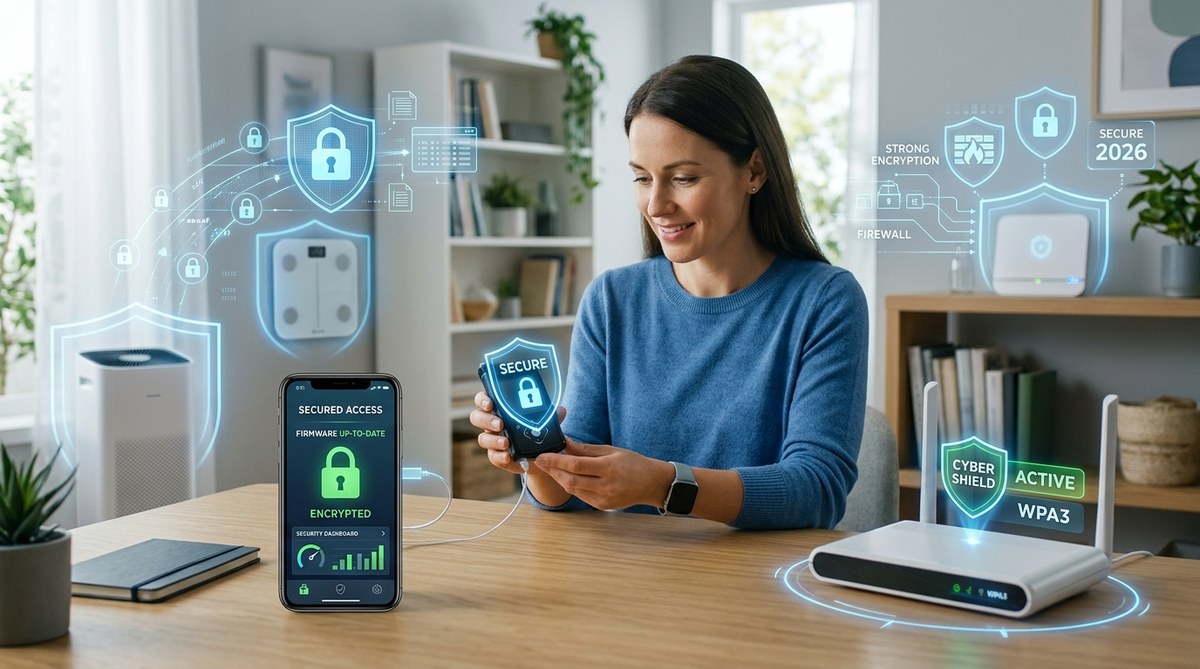
Your blood glucose monitor sends your latest reading to your phone. Your smart scale tracks your weight and shares it with your doctor. Your pacemaker has a wireless connection that lets your cardiologist check its status without you leaving home. These devices make managing your health easier than ever. But they also open a door that bad actors can try to walk through.
Remote hacking of home health devices is a real and growing threat in 2026. But you don’t need to be a tech expert to stay safe. This guide walks you through simple steps to secure your connected medical gear, protect your personal health data, and keep your devices working only for you. No jargon. Just clear, actionable advice.
Why Your Home Health Devices Are a Target
Hackers follow the data. And your health devices collect some of the most personal information imaginable. Your heart rate patterns, insulin levels, sleep cycles, and medication schedules are all valuable. Some criminals sell this data on the dark web. Others use it to craft targeted scams. A few might even try to disrupt your device’s function, which could put your physical safety at risk.
The number of connected medical devices in US homes has exploded in the last few years. According to a 2026 report from the FDA, more than 40 million Americans now use at least one internet connected health device at home. That includes everything from continuous glucose monitors to smart inhalers, wearable ECG monitors, and connected blood pressure cuffs.
Every one of these devices is a potential entry point. And manufacturers do not always prioritize security the way they should. Some devices ship with default passwords that never get changed. Others send your data over unencrypted connections. A few even have known software vulnerabilities that the company never patched.
The Real Ways Hackers Break In
Understanding how an attack works helps you know what to protect against. Here are the most common methods criminals use to target home health devices in 2026.
Weak or default passwords
You would be surprised how many medical devices still ship with a password like “admin” or “1234.” If you do not change that password, anyone who knows the device model can log in remotely.
Unsecured Wi-Fi networks
Your health device is only as secure as the network it connects to. If your home Wi-Fi uses old encryption or a weak password, a neighbor or a drive by hacker could snoop on your device traffic.
Outdated software
Manufacturers release firmware updates to fix security holes. If you ignore those updates, you leave those holes wide open. Hackers know which devices have unpatched vulnerabilities, and they scan for them constantly.
Phishing attacks on the user
Sometimes the hacker does not target the device at all. They target you. A convincing email that looks like it comes from your device maker could trick you into handing over your login credentials.
Third-party apps with poor security
Many health devices sync with apps on your phone. If that app has weak security, a hacker could use it as a backdoor into your device.
A Simple Step-by-Step Process to Lock Down Your Health Devices
You can secure your home health device ecosystem without a degree in cybersecurity. Follow these five steps.
-
Change every default password immediately. For each device, log into the settings and create a unique, strong password. Use a password manager if remembering them all feels overwhelming. Do not reuse passwords across devices.
-
Enable two-factor authentication whenever possible. Some medical device accounts offer 2FA. Turn it on. This adds a second layer of protection even if someone steals your password.
-
Update your device firmware regularly. Check for updates at least once a month. Set a reminder on your phone if you need to. Many devices now auto update, but not all of them do.
-
Create a separate network for your health devices. Most modern routers let you set up a guest network. Put all your IoT health gadgets on that isolated network. That way, even if one device gets compromised, the hacker cannot reach your main computer or phone.
-
Review connected apps and revoke access for anything you do not use. Go through your phone and remove any health apps that you no longer need. Each app you keep should have a legitimate reason to be there.
Common Mistakes vs. Smart Practices
Here is a table that shows the difference between what most people do wrong and what actually works.
| Mistake | Smart Practice |
|---|---|
| Keeping the factory password on a new device | Creating a unique, strong password immediately |
| Connecting your insulin pump to the main Wi-Fi | Using a separate guest network for medical devices |
| Ignoring firmware update notifications | Setting a monthly calendar reminder to check for updates |
| Downloading any app that pairs with your device | Researching the app’s privacy and security reputation first |
| Sharing your device login with a family member via text | Using a password manager’s sharing feature instead |
What the Experts Recommend
“The biggest risk we see in 2026 is not the technology itself. It is the lack of awareness. People treat their health devices like appliances. Plug them in and forget them. But these are computers. They need the same care you would give your laptop or phone. Change the passwords. Update the software. Think before you click a link in an email about your device.”
Dr. Sarah Chen, Director of Medical Device Security at the Cybersecurity and Infrastructure Security Agency (CISA)
Signs Your Device May Already Be Compromised
You do not need to live in fear. But knowing what to watch for helps you act fast if something goes wrong.
- The device behaves erratically. Readings seem off or the device turns on and off by itself.
- You notice unfamiliar devices on your home network. Check your router’s admin panel for unknown connections.
- Your health app shows logins from locations you do not recognize.
- You receive strange emails or text messages claiming to be from your device manufacturer asking for your password.
- The battery drains much faster than usual. Some malware causes the device to work harder than normal.
If you spot any of these warning signs, disconnect the device from the internet immediately. Then contact the manufacturer’s support team for guidance.
Going Deeper into Your Security Setup
Your home health device security is part of a bigger picture. Your overall digital hygiene affects how safe your medical gadgets stay. For a broader look at protecting your data, check out our guide on top strategies to protect your personal health data from emerging cyber threats in 2026.
Your router plays a huge role too. Many people overlook it, but it is the gatekeeper for every device in your house. Learn more about why your home router is the weakest link in your network security and what to do about it.
If you care for an elderly family member who uses these devices, you might also want to read about how to train your family on cybersecurity without overwhelming them. The approach matters as much as the message.
For those who want to run a full check on their safety posture, our guide on how to conduct a personal security audit in 7 simple steps gives you a clear framework.
Your Doctor’s Portal and Telemedicine Security
Your health devices often send data directly to your doctor’s office or a telemedicine platform. That connection needs protection too. A breach at the provider side could expose all your health data at once. Read our article on how to secure your health data when using public Wi-Fi for telemedicine for targeted advice on keeping those sessions private.
Also watch out for common slip ups that weaken your overall home security. We covered the 10 critical mistakes that compromise your home network security in a separate post.
Building a Security Habit That Lasts
The hardest part of any security routine is sticking with it. Here are a few simple habits that take almost no time but make a big difference.
- Pick one day each month to check for firmware updates on all your health devices. The first of the month works well.
- Review your connected apps every three months. Remove anything you do not use.
- Change your device passwords every six months or right after any known security incident.
- Keep a written list of all your connected health devices and their serial numbers. Store it in a safe place for reference if a breach happens.
Taking Control of Your Health Data Security in 2026
Your health devices are powerful tools. They help you live better, monitor chronic conditions, and stay connected to your care team. That convenience should not come at the cost of your safety. The steps in this guide are simple, straightforward, and well within reach for anyone.
Start with one device today. Change its password. Check for an update. Make sure it is on its own network. Then do the next one. Over the course of a week, you can secure every health gadget in your home. You will sleep better knowing your data and your health are both protected.