
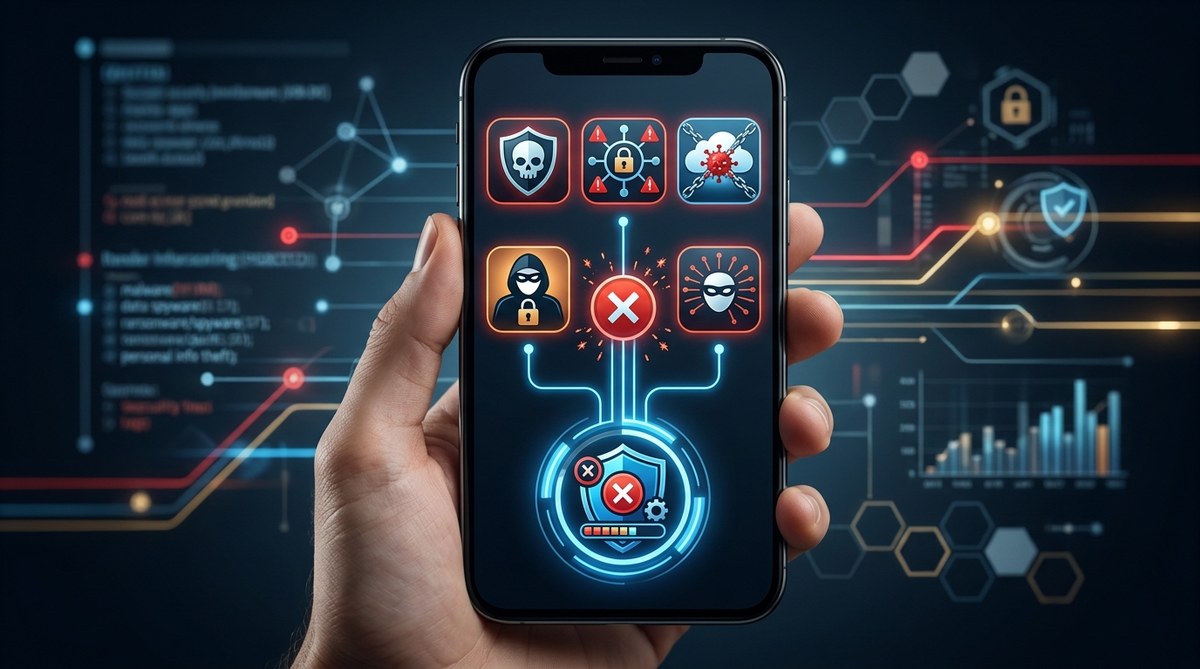
Your phone holds your entire life. Bank accounts, family photos, private messages, health records, and location history. It is a treasure chest of personal data. And there are apps right now on your device that are quietly siphoning that information to strangers.
Some of these apps look harmless. A simple flashlight. A fun photo editor. A free game your kid downloaded. But behind the cheerful icon, they are stealing your data, tracking your movements, or even turning your phone into a listening device.
The most dangerous apps on your phone are not always obvious. They hide in plain sight. And in 2026, the threat landscape is worse than ever. Malware authors have gotten smarter. They know how to bypass app store checks. They know how to ask for permissions that seem reasonable but are actually invasive.
If you are a parent or someone who does not follow tech news closely, this guide is for you. We will name the five most dangerous categories of apps, explain why they are risky, and show you exactly how to remove them.
The five most dangerous app categories in 2026 are flashlight clones, fake VPNs, QR code readers loaded with adware, unregulated “health” trackers, and gaming apps that demand excessive permissions. Each one can expose your personal data, drain your battery, or install spyware. Removing them takes five minutes and restores your privacy.
The Hidden Threat of Flashlight Apps
You probably have a flashlight app on your phone. Many people do. But here is the truth: if your phone was made in the last five years, it already has a built-in flashlight. You do not need a third-party app for that.
Yet flashlight apps remain some of the most downloaded tools on both Android and iOS. And they are also some of the most dangerous apps on your phone. Why? Because they ask for permissions that have nothing to do with light.
A flashlight app does not need access to your contacts. It does not need your location. It does not need to read your text messages. But many of these apps demand exactly those permissions. Once granted, they can harvest your data, sell it to advertisers, or worse.
In 2024, security researchers found a popular flashlight app on the Google Play Store that had been downloaded over 10 million times. It was sending user location data to third-party servers every few minutes. The app had no privacy policy. The developer was a shell company.
If you have a flashlight app that is not the default one on your phone, delete it now. Your phone’s built-in flashlight works just as well and does not spy on you.
Fake VPNs Are a Growing Danger
Virtual private networks are supposed to protect your privacy. They encrypt your internet traffic and hide your IP address. That makes them a great tool for security. But only if they are legitimate.
The problem is that fake VPNs are flooding app stores. These apps look like real VPN services. They have professional logos, good reviews (often fake), and convincing descriptions. But instead of protecting you, they are stealing your data.
A fake VPN can log every website you visit, capture your passwords, and inject ads into your browser. Some of them even install malware on your device. In 2025, a study found that nearly one in four free VPN apps on the Google Play Store contained tracking libraries that sent data to known ad fraud networks.
The most dangerous apps on your phone often fall into this category because people trust them. They think they are being safe by using a VPN. In reality, they are handing their data to criminals.
Stick with well-known VPN providers that have been audited by third parties. If a VPN is free, ask yourself how they make money. If you cannot find a clear answer, do not install it.
QR Code Readers That Steal More Than Scans
QR codes are everywhere. Restaurant menus, parking meters, event tickets, and product packaging all use them. It is convenient to have a QR code reader on your phone. But many of these apps are dangerous.
Some QR code readers do more than scan. They can access your camera, your photo library, your location, and your browsing history. They can also redirect you to malicious websites without your knowledge. A scan that looks like it is taking you to a menu might actually take you to a phishing page that steals your login credentials.
In 2026, security experts have flagged several QR code reader apps that contain adware. These apps display full-screen ads that are hard to close. Clicking the wrong button can trigger a download of even more unwanted software.
The good news is that you do not need a separate app for this. Both iPhone and Android phones can scan QR codes directly from the camera app. If your phone is less than four years old, just open your camera and point it at the code. No extra app required.
Delete any third-party QR code reader you have. Your camera does the job safely.
Unregulated Health and Fitness Trackers
Health apps are popular. People use them to count steps, track sleep, log meals, and monitor heart rate. These apps can be helpful for staying fit. But many of them are also a privacy nightmare.
The most dangerous apps on your phone in the health category are those that are not regulated by any health authority. They collect sensitive data like your weight, your sleep patterns, your menstrual cycle, and even your blood pressure. Then they sell that data to insurance companies, advertisers, or data brokers.
Some of these apps have been caught sharing data with third parties without user consent. In 2025, the Federal Trade Commission fined a popular period tracking app for sharing users’ health data with Facebook and Google. The app had promised to keep the data private.
If you use a health app, check its privacy policy. Look for language that says they do not sell your data. Also check what permissions the app asks for. A step counter does not need access to your contacts or your microphone.
Consider using the built-in health app on your phone instead. Apple Health and Google Fit have stronger privacy protections than many third-party alternatives.
Gaming Apps That Demand Too Much
Games are the most downloaded category of apps. And they are also among the most dangerous apps on your phone. Not all games are bad, but many free games rely on aggressive data collection to make money.
A simple puzzle game should not need access to your location, your camera, or your contacts. But many games ask for these permissions anyway. They use the data to target ads, build profiles on you, and sometimes even track your movements in the real world.
Children are especially at risk. Kids love free games, and they are less likely to question why a game wants access to their microphone. Some games have been found to record audio in the background. Others have chat features that expose children to strangers.
If your child plays games on a phone or tablet, review the permissions for each game. Remove any game that asks for access it does not need. Also consider using parental controls to block app installations without your approval.
How to Spot a Dangerous App Before You Install It
You do not have to be a tech expert to spot a risky app. There are clear warning signs. Use this table to help you decide whether an app is safe.
| Warning Sign | What It Means | What to Do |
|---|---|---|
| Asks for permissions unrelated to its function | The app wants data it does not need | Do not install. Delete if already installed. |
| No privacy policy or a vague one | The developer is not transparent | Avoid the app entirely |
| Poor grammar and spelling in the description | Often a sign of a fake or malicious app | Skip it |
| Very few downloads or reviews | The app is new and untested | Wait for more data or choose an alternative |
| Reviews mention ads, crashes, or data theft | Other users have had bad experiences | Uninstall immediately |
| Developer name looks generic or suspicious | Could be a shell company | Research the developer before installing |
If an app checks any of these boxes, treat it with caution. The most dangerous apps on your phone often have multiple warning signs.
Step-by-Step: How to Remove Dangerous Apps
Removing a dangerous app is straightforward. Follow these steps for both Android and iPhone.
- Open your phone’s settings. Look for “Apps” or “Applications” on Android. On iPhone, go to “Settings” then “General” then “iPhone Storage.”
- Scroll through the list of installed apps. Look for any app from the categories above: flashlight clones, fake VPNs, QR readers, unregulated health trackers, and suspicious games.
- Tap on the app name. You will see options to “Force Stop” and “Uninstall.”
- Tap “Uninstall.” Confirm the action. The app will be removed from your phone.
- After uninstalling, restart your phone. This clears any remaining temporary files.
- Check your app permissions. Go to your phone’s permission manager and revoke any permissions that seem excessive. For example, if a calculator app has access to your camera, remove that permission.
If an app refuses to uninstall or gives an error, it may be a system app or malware. In that case, run a security scan using a trusted antivirus app. If the problem persists, consider backing up your data and performing a factory reset.
What to Do After You Clean Your Phone
Once you have removed the dangerous apps, do not stop there. Take a few extra steps to protect yourself going forward.
First, review your app permissions regularly. Make it a habit once a month. Go into your phone’s settings and look at which apps have access to your location, camera, microphone, and contacts. Revoke any permissions that do not make sense.
Second, only download apps from official app stores. Even then, be careful. Google and Apple both have security checks, but malicious apps still slip through. Read the reviews. Check the developer. Look at the permissions before you hit install.
Third, keep your phone’s operating system updated. Security patches fix vulnerabilities that malware can exploit. If your phone is too old to receive updates, consider upgrading to a newer model.
Fourth, use a password manager and enable two-factor authentication on your accounts. This adds a layer of protection even if your data is stolen.
For more detailed guidance, read our article on how to conduct a personal security audit in 7 simple steps. It walks you through checking your entire digital life for risks.
Staying Safe Means Staying Informed
The most dangerous apps on your phone are not always the ones that make headlines. They are the ones you downloaded without thinking. The flashlight. The free game. The QR reader. They sit quietly in your app drawer, collecting data and sending it to strangers.
You do not need to be paranoid. You just need to be aware. Check your apps. Remove what you do not trust. And think twice before installing something new.
Your phone is a powerful tool. Keep it secure. Your privacy depends on it.