
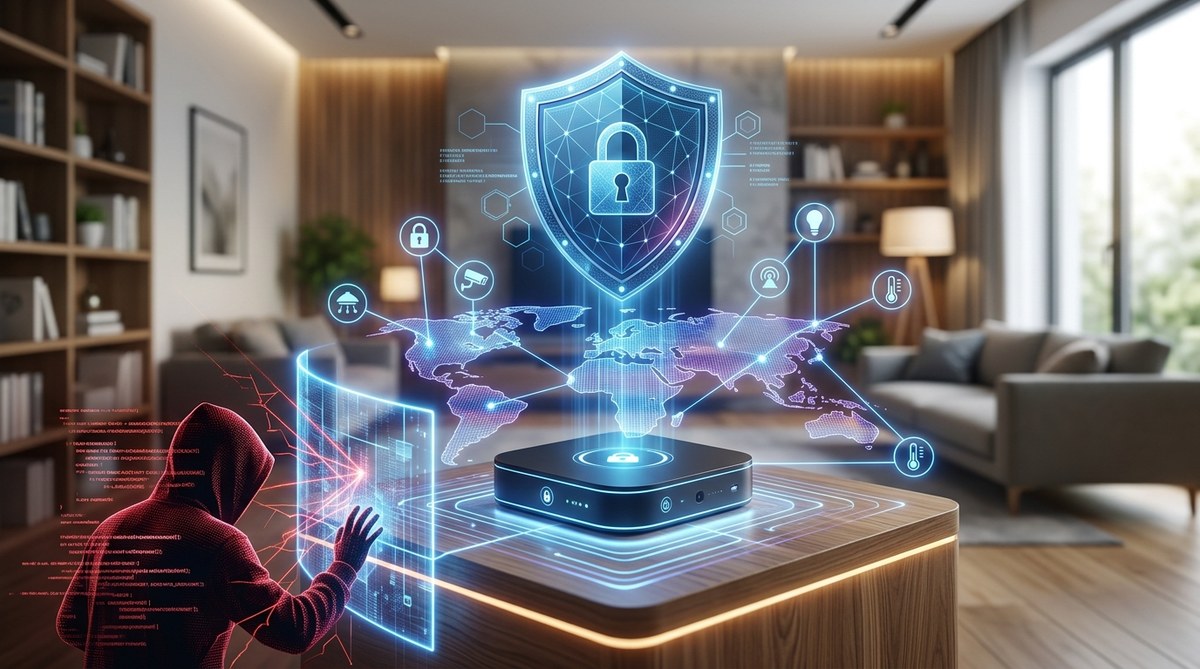
Your smart home hub is the brain of your house. It turns lights on when you walk in, adjusts the thermostat before you wake up, and lets you check the front door camera from a hotel room in another state. That convenience is incredible. But here is the uncomfortable truth: every device connected to that hub is a potential entry point for someone who does not belong in your network. And the hub itself? It is the single most valuable target in your home.
Your smart home hub is a high-value target because it controls every connected device and collects intimate data about your daily life. Hackers exploit weak passwords, outdated firmware, and unsecured networks to gain access. By segmenting your network, enabling multi-factor authentication, and regularly auditing connected devices, you can dramatically reduce your risk without giving up the convenience you love.
What Makes Your Hub Such a Tempting Target
Think of your smart home hub as a master key. A single compromise gives an attacker access to your door locks, security cameras, thermostat, smart speakers, and even connected appliances. That is not just an inconvenience. It is a direct threat to your privacy and physical safety.
Hackers are not interested in your smart light bulb for its own sake. They want the data the hub collects. Your hub knows when you leave for work, when you come home, when you are on vacation, and which rooms you use most. That information is gold for criminals planning a burglary, a stalker, or someone trying to build a profile for identity theft.
The problem is worse than most people realize. Many smart home hubs ship with default settings that prioritize ease of setup over security. And because the industry moves so fast, manufacturers sometimes stop supporting older hubs with security patches. That leaves you holding a device that is essentially a ticking clock.
The Most Common Vulnerabilities in Smart Home Hubs
Before you can lock things down, you need to know where the weak spots are. Here are the biggest risks that security researchers have identified in 2026.
| Vulnerability | How It Works | Why It Matters |
|---|---|---|
| Default or weak passwords | Many hubs ship with “admin” as the password or allow simple guesses like “123456”. | An attacker can brute-force the login in seconds and take full control. |
| Outdated firmware | Manufacturers release patches, but users rarely install them. | Known exploits remain unpatched, giving hackers a clear path in. |
| Unsecured cloud connections | Some hubs send data to the cloud without proper encryption. | A hacker on the same network can intercept video feeds or voice commands. |
| Third-party skill vulnerabilities | Apps and integrations often have weaker security than the hub itself. | A compromised smart plug or light strip can become a backdoor to the hub. |
| Lack of network segmentation | All devices sit on the same Wi-Fi network as your laptop and phone. | If one device is breached, the entire network is exposed. |
How to Lock Down Your Smart Home Hub in 5 Steps
You do not need to be a cybersecurity expert to protect your home. These steps are straightforward and take less than an hour to implement.
-
Change the default admin credentials immediately. This is the single most effective thing you can do. Use a password manager to generate a unique, complex password for the hub itself. Do not reuse a password you have used anywhere else.
-
Enable multi-factor authentication (MFA). Most modern hubs support MFA. This means that even if someone steals your password, they cannot log in without a code sent to your phone. Turn this on in the hub’s settings menu right now.
-
Create a separate guest network for your smart home devices. Your main Wi-Fi network is for your computers, phones, and tablets. Your smart home network is for the hub, lights, locks, and cameras. If a hacker compromises a smart plug, they cannot touch your laptop or your files. Most modern routers let you set this up in a few clicks.
-
Turn on automatic firmware updates. Check your hub’s settings and make sure it is set to install updates automatically. If that option is not available, set a monthly reminder to check for updates manually. This closes the door on known exploits.
-
Audit your connected devices regularly. Remove any device you no longer use. Revoke access for third-party apps that you installed once and forgot about. Each connected device is a potential risk, so keep the list as small as possible.
“The biggest mistake I see is people treating their smart home like a set of toys rather than a network of computers. Every single device is a computer with an IP address. You would not leave your laptop unlocked in a coffee shop. Do not leave your smart home unlocked either.” — Dr. Maria Chen, Cybersecurity Researcher at the University of Texas
Mistakes That Undo All Your Hard Work
Even with the best intentions, it is easy to slip into habits that weaken your security. Watch out for these common errors.
- Using the same password for your hub and your smart lock app.
- Connecting your hub to public Wi-Fi or a shared network in an apartment building.
- Ignoring security warnings from the hub’s companion app.
- Buying cheap, no-name smart devices that have no security track record.
- Giving voice assistants access to sensitive functions without a PIN code.
The Bigger Picture: Why This Matters for Your Whole Digital Life
Your smart home hub is not an island. It is connected to your router, which is connected to your work laptop, your bank accounts, and your personal email. A breach in your smart home can cascade into something much larger.
This is where a broader understanding of risk management becomes useful. If you want to take your security to the next level, consider reading about how to conduct a personal security audit in 7 simple steps. That guide will help you look at your entire digital footprint, not just the smart home.
You might also want to check out 10 critical mistakes that compromise your home network security. Many of those mistakes overlap directly with smart home vulnerabilities.
And if you are worried about the data your devices are collecting, the article on why your fitness tracker could be exposing your health data to third parties covers similar privacy risks that apply to any internet-connected gadget in your home.
Your Smart Home, Your Rules
You bought a smart home hub to make life easier and safer. That goal is still within reach. The key is to stay aware that convenience and security are not enemies. They are partners. With a few simple changes, you can enjoy the comfort of a connected home without handing the keys to someone else.
Take 30 minutes this weekend to run through the five steps above. Update your passwords. Set up that guest network. Turn on automatic updates. Your future self will sleep better knowing the front door is locked, the cameras are secure, and the only person controlling your home is you.