
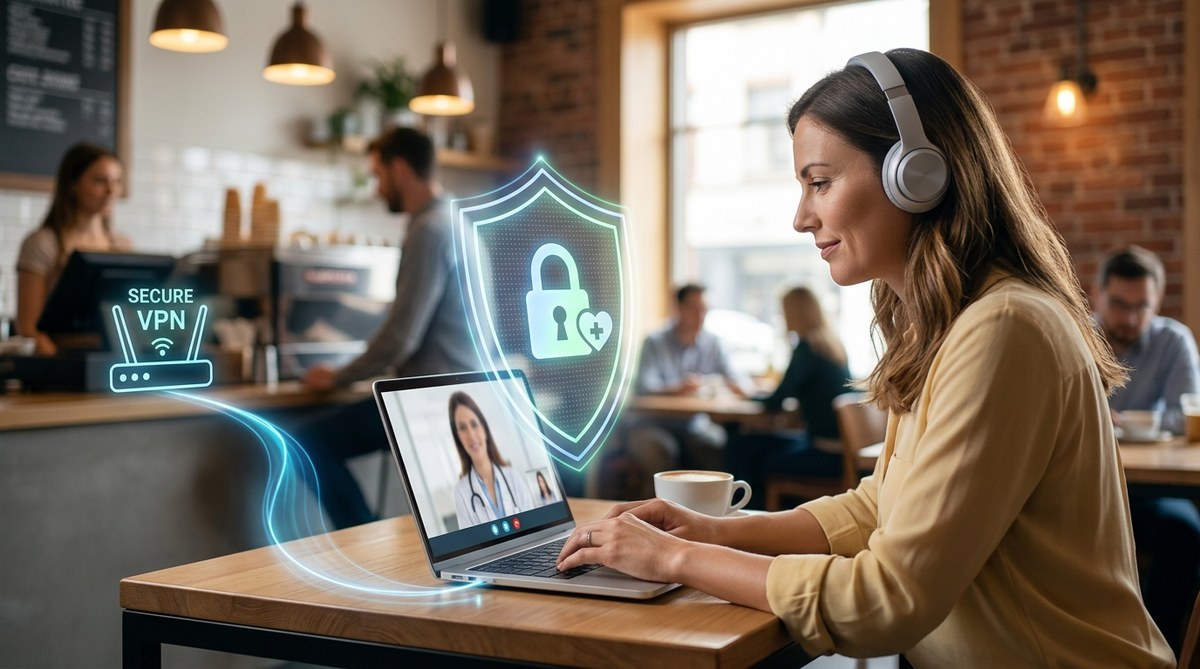
Telemedicine changed everything. You can see a doctor from your hotel room, your local coffee shop, or even the airport terminal. No waiting rooms, no commutes. Just care on your terms. But here is the catch. That public Wi-Fi network you just connected to might be exposing everything you discussed with your doctor. Your symptoms. Your prescriptions. Your medical history. In 2026, telemedicine is a standard part of healthcare, but the security risks of public networks have only grown. Let’s talk about why this happens and exactly how to fix it.
Using public Wi-Fi for telehealth visits is a major security risk for your health data. Cybercriminals can easily intercept unencrypted connections, exposing your medical history, prescriptions, and personal details. This guide explains the specific dangers of public networks, provides a step-by-step process for setting up a secure VPN connection, shares critical browser and app settings, and gives you a practical checklist to use before every appointment. Stay informed, stay protected, and own your health security.
The Real Risk of Public Wi-Fi for Telehealth
When you connect to a public Wi-Fi network, your data travels through the air in waves. Anyone with a laptop and some free software can intercept those waves. This is often called a “man-in-the-middle” attack. It is easier than you think.
Imagine sitting in a coffee shop. You connect to “Free_Public_WiFi”. The person two tables over has a laptop running a packet capture tool. If you visit a website that isn’t using proper encryption, they can read your traffic in plain text. This means they can see your login credentials, your medical history, and even the video feed from your doctor.
Many people assume that a password-protected network is safe. That is not true. A shared password only controls who can join the network. It does not encrypt your data. Once you are on the network, everyone else on that network can potentially see what you are doing.
| Common Myth | The Hard Truth |
|---|---|
| “The network has a password, so my data is safe.” | A shared password only limits access. It does not encrypt your traffic or protect it from others on the same network. |
| “My telehealth app handles security for me.” | The app might be secure, but the network is the weak link. If your connection is intercepted, the app’s security is bypassed. |
| “I only check my email on public Wi-Fi.” | Emails can contain sensitive health information. A single intercepted email can expose your entire medical record. |
Let’s clear up a few more misconceptions right now.
| Do | Don’t |
|---|---|
| Use a paid, reputable VPN service. | Don’t rely on free VPNs. They often sell your data or inject ads. |
| Confirm the exact network name with a staff member. | Don’t connect to a network that looks “close enough” to the real name. |
| Enable multi-factor authentication on your health portal. | Don’t reuse the same password for your email and your telehealth account. |
| Log completely out of the telehealth app after your visit. | Don’t just close the laptop lid or switch apps. |
| Switch to cellular data if you do not have a VPN. | Don’t assume a hotel or airport network is monitored for security. |
Step-by-Step Guide to a Secure Telehealth Visit
Follow these steps in order before every telemedicine appointment you attend on a public network.
-
Install a reliable VPN before you leave home. A VPN creates an encrypted tunnel for all your internet traffic. Even if someone intercepts the signal, they cannot read it. Set it up on your home network first so it is ready to go. Look for features like a kill switch and a strict no-logs policy.
-
Verify the network name with an employee. “Evil twin” attacks are very common. A hacker sets up a network with a name like “Starbucks_Guest_WiFi” to trick you into connecting. Always ask the staff to confirm the exact spelling of their network. Connect only to that name.
-
Adjust your device settings for maximum security. Before you connect, go into your network settings and turn off file sharing, printer sharing, and network discovery. This prevents other people on the same network from accessing your device directly. On Windows, set your network profile to “Public”. On Mac, turn off “File Sharing” in the Sharing menu.
-
Connect your VPN before opening anything. Once you are connected to the public Wi-Fi, launch your VPN app immediately. Confirm that the VPN is active and your IP address is hidden. Do not open your browser or any apps until the VPN connection is secure.
-
Use the official telehealth provider app instead of a browser. Most major telehealth platforms in 2026 have built-in end-to-end encryption. While this is not a substitute for a VPN, it adds an extra layer of protection. Avoid using a web browser for sensitive appointments if an app is available.
-
Forget the network after your appointment ends. Tell your device to “forget” the public network. This prevents your device from automatically connecting to it in the future. It also stops your device from broadcasting the network name to others nearby.
Tools of the Trade: What to Look For
Not all security tools are created equal. When you are choosing a VPN or preparing your device, scan for these specific features.
- VPN Protocols: Look for apps that support WireGuard or OpenVPN. These are the current gold standards for speed and encryption. Avoid older protocols like PPTP.
- Kill Switch: This feature cuts your internet connection instantly if the VPN drops. It prevents your data from leaking onto the public network for even a single second.
- No-Logs Policy: Choose a VPN provider that has a legally verified policy of not storing your browsing data. This protects you even if the VPN company is compromised.
- Multi-Factor Authentication: Enable this on your telehealth account and your email account. Even if someone steals your password, they cannot log in without the second factor, like a code from your phone.
“Public Wi-Fi is like having a private conversation in a crowded elevator. A VPN puts you inside a soundproof box. It is not an optional extra for telehealth anymore. In 2026, it is the minimum requirement for protecting your privacy and your health data.”
Dr. Alisha Graves, Cybersecurity Health Specialist
What to Do If You Suspect a Breach
Even with the best precautions, mistakes happen. If you think your connection was compromised during a telehealth visit, act fast.
First, contact your healthcare provider immediately. Tell them you suspect a data exposure. They can put a flag on your account and monitor for fraud. Second, change your passwords everywhere. Start with your email, then your telehealth portal, then your bank. Use a password manager to create strong, unique passwords. Third, check your medical records and insurance statements for unfamiliar charges or visits. Identity thieves often use stolen health data to file fake claims.
If you want a deeper understanding of the warning signs, read our guide on 7 Warning Signs Your Medical Data Has Been Compromised. It walks you through exactly what to look for.
Other Risks That Affect Your Telehealth Privacy
Public Wi-Fi is a huge risk, but it is not the only one. Your smart home devices could also be a weak point. If you take calls from home, make sure your router is secure. Check out our guide on Is Your Smart Home Ecosystem a Gateway for Hackers? to see if your devices are exposing you.
Also, be aware of phishing attacks. Hackers sometimes send fake appointment reminders or test results via email. These messages look real, but they are designed to steal your login info. Always type your telehealth provider’s web address directly into your browser instead of clicking links in emails. For more on this, read our article on Understanding Social Engineering Attacks: How Hackers Manipulate You Into Giving Up Data.
Own Your Health Security
Telemedicine is one of the best things to happen to healthcare in the last decade. It makes seeing a doctor more accessible, less stressful, and fits perfectly into our busy lives. But the technology that enables this convenience also creates a new set of responsibilities.
The good news is that protecting yourself is not complicated. You do not need to be a cybersecurity engineer. You just need a plan.
Start with a VPN. Build the habit of checking the network name. Enable multi-factor authentication on every account that offers it. And talk about this with your family. Share this guide with a friend or a parent who also uses telemedicine. We all deserve healthcare that is not only accessible, but truly private and secure. You have the power to protect your health data. Take that power with you into every appointment.