
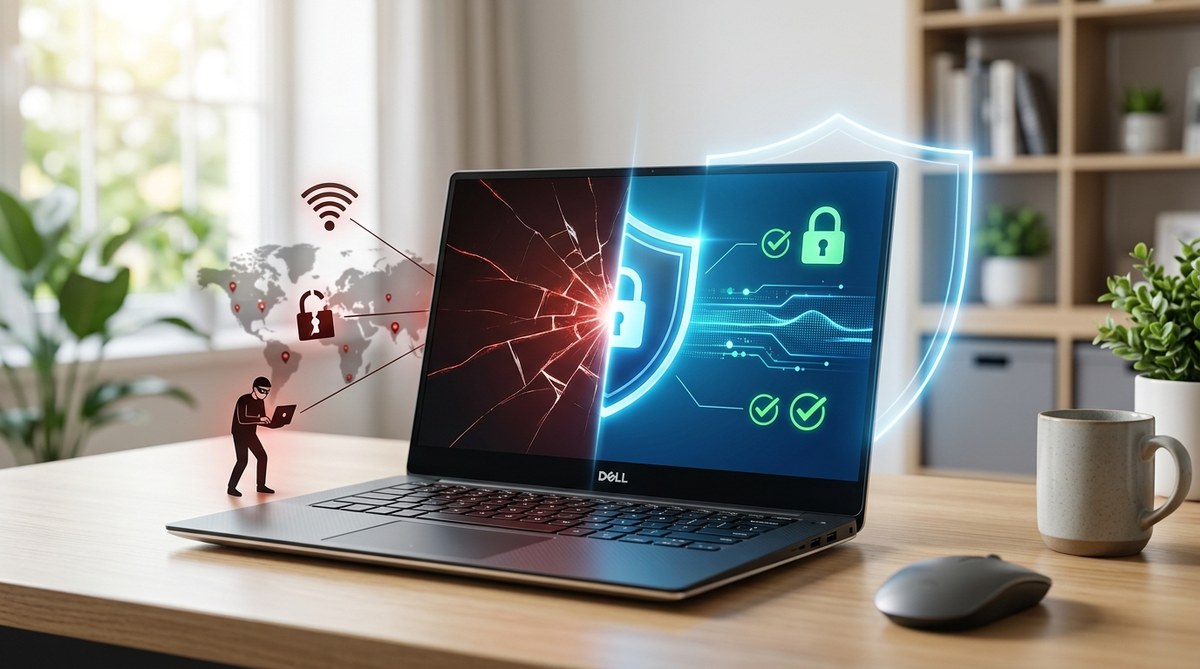
Your work laptop is the single most valuable target a hacker could aim at. It holds client files, payroll data, proprietary software, and access keys to your company’s entire network. When you work from a coffee shop, a coworking space, or your kitchen table, that laptop leaves the safety of a locked office and enters a world of unsecured Wi-Fi, prying eyes, and opportunistic malware. The convenience of remote work comes with a hidden price tag: your device is now a prime target.
A work laptop used outside the office faces threats from unsecured networks, physical theft, weak passwords, and outdated software. The solution is a layered approach: enable full disk encryption, use a VPN on any public network, enforce multi factor authentication, keep the operating system and antivirus updated, and follow a clear incident response plan. These steps reduce your work laptop security risk in remote work to a manageable level.
Why Your Work Laptop Is a Magnet for Attackers
Think of your office network as a fortress. It has firewalls, IT administrators watching logs, and strict access controls. Your home network or a local cafe Wi-Fi has none of that. When you connect your work laptop to an unsecured network, you are essentially opening the front door and inviting attackers to walk in.
Remote employees are targeted because they are the weakest link in the corporate security chain. A hacker does not need to break into a data center. They just need to trick you into clicking a malicious link or intercept your traffic on a public network. The result is the same: a data breach that can cost a small business thousands of dollars and its reputation.
The most common threats include:
- Man in the middle attacks where an attacker intercepts data traveling between your laptop and the internet.
- Phishing emails that look like they come from your boss or IT department.
- Evil twin hotspots that mimic a legitimate Wi-Fi network to steal your credentials.
- Physical theft of the laptop itself, which happens more often in coworking spaces and transit hubs.
The Biggest Mistakes Remote Workers Make
Even well intentioned employees slip into habits that create serious vulnerabilities. Here are the most common errors and how to fix them.
| Mistake | Why It Is Dangerous | The Fix |
|---|---|---|
| Using public Wi-Fi without a VPN | All traffic is visible to anyone on the same network. | Always connect through a reputable VPN before opening any work app. |
| Reusing passwords across accounts | A breach on one site gives attackers access to your work accounts. | Use a password manager to generate unique, complex passwords. |
| Delaying software updates | Patches fix known vulnerabilities that hackers exploit. | Enable automatic updates for the OS and all business applications. |
| Leaving the laptop unlocked in public | Anyone can access files, emails, and cloud storage. | Set a screen lock with a strong password or biometric authentication. |
| Connecting unknown USB devices | Malware can spread instantly from an infected drive. | Never plug in a USB drive that you did not personally buy and verify. |
How to Secure Your Work Laptop in 5 Steps
You do not need to be a cybersecurity expert to lock down your device. Follow these five steps to dramatically reduce your work laptop security risk in remote work.
-
Enable full disk encryption. This ensures that if your laptop is stolen, the data on the hard drive cannot be read without the encryption key. Both Windows (BitLocker) and macOS (FileVault) offer built in encryption. Turn it on today.
-
Install and maintain a next generation antivirus. Traditional antivirus is not enough. Modern threats like ransomware and zero day exploits require advanced detection. Choose a solution that includes real time scanning, behavior monitoring, and web protection.
-
Use a VPN at all times. A virtual private network encrypts your internet traffic and hides your IP address. This prevents anyone on the same network from snooping on your activity. Make sure the VPN is active before you connect to any work related service.
-
Set up multi factor authentication. A password alone is too easy to steal. Add a second layer of verification, such as a code from an authenticator app or a hardware security key. This blocks 99.9 percent of automated attacks.
-
Create a regular backup routine. If your laptop is compromised, you need a clean copy of your data. Use the 3 2 1 rule: three copies of your data, on two different media types, with one copy stored offsite or in the cloud.
What to Do If You Suspect a Breach
Even with the best precautions, things can go wrong. The moment you notice something unusual, act fast.
“The first 24 hours after a suspected breach are critical. Isolate the device from the network immediately, then contact your IT team or security provider. Do not try to investigate on your own, as you may destroy evidence or make the situation worse.”
Source: StayPrepared Security Advisory Team
Here is a numbered checklist to follow:
- Disconnect the laptop from Wi-Fi and ethernet immediately.
- Do not shut it down. Put it in sleep mode or leave it on but disconnected.
- Contact your IT department or managed security provider.
- Change your passwords for critical accounts using a different device.
- Document everything you noticed before the suspected breach.
Building a Security Mindset for Remote Work
Securing your work laptop is not a one time task. It is a habit. Every time you sit down to work, run through a mental checklist. Is the VPN on? Is the screen locked when you step away? Did you just click a link that looks suspicious?
Small business owners and remote employees share the same responsibility. The company can provide the tools, but the daily discipline rests with you. When you treat your work laptop like a portable safe, you protect not just your own data but the livelihoods of everyone connected to your business.
For a deeper look at how to assess your overall risk posture, check out our guide on how to build a risk assessment framework that actually works. It will help you identify weak points across your entire operation, not just your laptop.
Staying Ahead of Threats in 2026
The threat landscape changes every year. In 2026, we are seeing a rise in AI powered phishing attacks that are harder to spot and more convincing than ever. Hackers use machine learning to craft emails that mimic the writing style of your colleagues. They also target cloud based collaboration tools like Slack, Teams, and Google Drive.
To stay protected, you need to stay informed. Read up on top emerging cyber threats to watch in 2026 and how to stay protected. Knowledge is your first line of defense.
Also, review your home network security. A compromised router can expose your work laptop even if the device itself is secure. Our guide on the complete guide to securing your home wi-fi network against intruders walks you through the essential steps.
Your Action Plan for Tomorrow
Do not wait for a breach to force your hand. Take these actions today:
- Turn on full disk encryption if it is not already active.
- Install a VPN and make it your default connection.
- Enable multi factor authentication on every work account.
- Set up automatic backups to the cloud and an external drive.
- Schedule a 15 minute review of your security settings every month.
Remote work is here to stay. The flexibility it offers is incredible. But that flexibility comes with responsibility. By taking these steps, you can enjoy the freedom of working from anywhere without losing sleep over your work laptop security risk in remote work. Stay prepared, stay secure, and keep your focus on what matters most: doing your best work.