
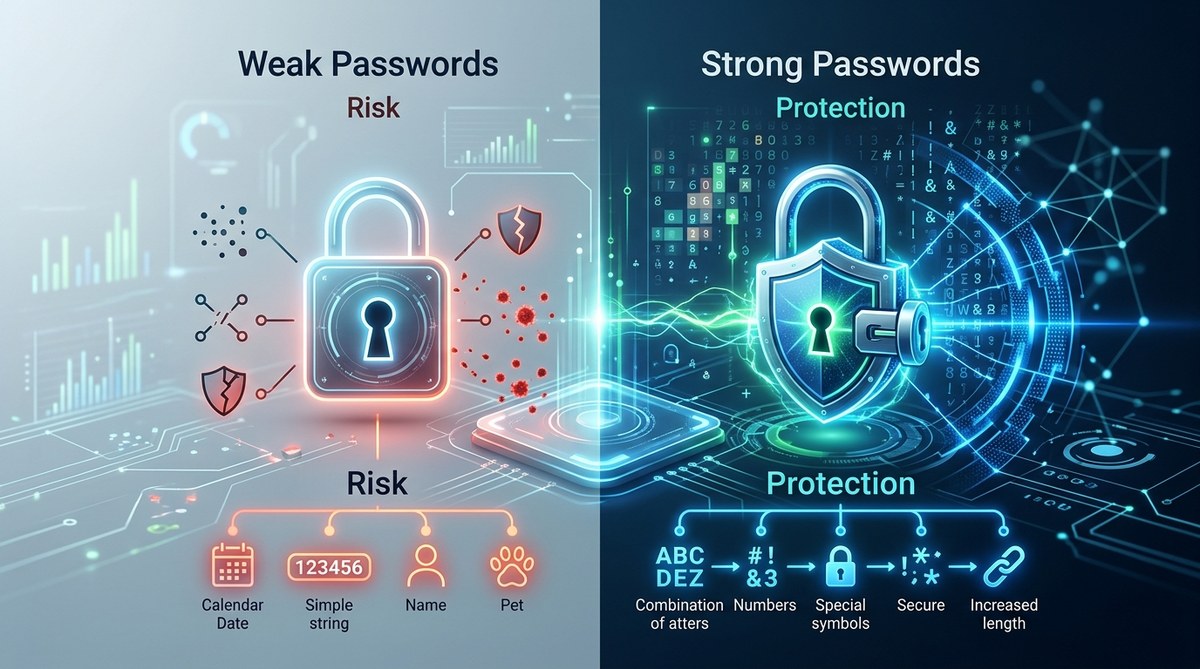
Struggling to keep your online accounts safe can feel overwhelming. Hackers are constantly developing new ways to break into accounts, and many people unknowingly make mistakes that weaken their passwords. Knowing whether your passwords are truly strong enough is essential in today’s digital age. By understanding common pitfalls and adopting better practices, you can significantly boost your online security and protect your personal information from malicious actors.
The strength of your passwords directly impacts your online safety. Avoid common mistakes like using simple or repeated passwords, and adopt better habits like creating complex, unique passwords for each account. Regularly updating and managing your passwords with tools can make a big difference in keeping hackers at bay and your personal data secure.
Understanding what makes a password strong
Knowing what constitutes a strong password is the first step. A good password should be difficult for others to guess or crack. It should not be something easily associated with you, like your birthday or pet’s name. Instead, it should be a mix of different character types, lengths, and unpredictability.
Experts advise creating passwords that are at least 12 characters long, combining uppercase and lowercase letters, numbers, and symbols. Avoid common words or patterns that hackers can quickly identify. The goal is to make your password unique and complex enough that brute-force attacks or guessing attempts take an impractical amount of time.
Common mistakes that weaken your passwords
Many people unknowingly make choices that leave their accounts vulnerable. Here is a quick look at the most frequent errors:
| Mistake | Why it weakens your password security |
|---|---|
| Using simple or common passwords | Easy to guess and often targeted first by hackers |
| Reusing passwords across multiple sites | If one account is compromised, others are at risk |
| Sharing passwords or writing them down | Increases chances of theft or accidental exposure |
| Using personal information | Hackers can find details like birthdays or names online |
| Not updating passwords regularly | Old passwords can be exploited if leaked or guessed |
| Relying solely on browser password storage | Vulnerable if your device gets infected or stolen |
| Using only one authentication factor | Single factor is less secure than multi-factor options |
Why these mistakes matter
“The weakest link in your security chain is often your password habits,” warns cybersecurity expert Jane Doe. Making simple mistakes can turn a strong system into an open door for malicious actors.
Practical steps to strengthen your passwords
Improving your password practices doesn’t require complex skills. Follow these steps to make your accounts more resilient:
- Create unique, complex passwords for every account. Use a password generator or a password manager to help. Avoid common words, predictable patterns, or personal details.
- Change passwords regularly. Set a schedule, such as every three to six months, to update your passwords, especially for sensitive accounts like banking or email.
- Enable multi-factor authentication (MFA). This adds an extra layer of protection. Even if your password is compromised, MFA can prevent unauthorized access.
Additional tips for better security
- Use a reputable password manager to store and organize passwords securely.
- Avoid using the same password on multiple platforms.
- Never share your passwords through email or messaging apps.
- Be cautious when saving passwords in browsers, especially on public or shared devices.
- Review account activity periodically for any suspicious activity.
Techniques hackers use to crack passwords
Knowing common attack methods helps you understand what to avoid. Here are some of the most prevalent techniques:
| Technique | Description | How to defend against it |
|---|---|---|
| Brute-force attacks | Trying all possible combinations until the correct one is found | Use long, complex passwords and account lockouts after multiple failed attempts |
| Dictionary attacks | Using lists of common passwords and words | Avoid simple, common passwords; use unique combinations |
| Phishing | Tricking users into revealing passwords | Be wary of suspicious links and never enter passwords on untrusted sites |
| Social engineering | Manipulating people to reveal confidential info | Stay cautious about sharing personal details online |
| Credential stuffing | Using leaked passwords from other breaches | Use unique passwords and enable MFA |
Example of a common mistake versus a good practice
| Mistake | Better practice |
|---|---|
| Password: “password123” | Password: “G7!p$9fQx@2l” |
| Reusing “abc123” on multiple sites | Creating a unique, complex password for each account |
How to evaluate your current passwords
To determine if your passwords are strong enough, consider the following:
- Are they at least 12 characters long? Longer is better.
- Do they contain a mix of uppercase, lowercase, numbers, and symbols?
- Are they unique to each site? Do not reuse passwords.
- Have you changed your passwords recently?
- Are you using multi-factor authentication where possible?
You can also use online tools to check password strength. Many password managers include this feature, or you can visit reputable security websites to test your passwords.
Final tips for staying resilient online
Building strong passwords is a crucial part of your overall digital safety. Remember, no password is entirely foolproof, but combining strong, unique passwords with additional protections like MFA creates a robust defense. Regularly review your account security, stay informed about new threats, and update your habits accordingly.
A simple method to keep your passwords strong and safe
Implementing a systematic approach can make a real difference. Here is a three-step process:
- Audit your current passwords. Identify weak or reused passwords.
- Replace them with unique, complex ones. Use a password manager to streamline this.
- Enable multi-factor authentication on all sensitive accounts. This adds an extra barrier for intruders.
This method not only improves your security but also reduces the stress of remembering dozens of passwords.
Your next move toward better security
Keeping your online accounts safe requires ongoing effort. By avoiding common mistakes and adopting smarter habits, you can dramatically lower your risk of falling victim to cyberattacks. Remember, strong passwords are the foundation—pair them with other security measures, and you’ll stay resilient in a digital world.
Strengthening your digital defenses one step at a time
Taking charge of your passwords is a practical step towards greater security. Regularly review your practices, stay updated on new threats, and use tools designed to help. Protecting your personal data is an ongoing process, but with mindful habits, you can keep hackers at bay and enjoy peace of mind.