
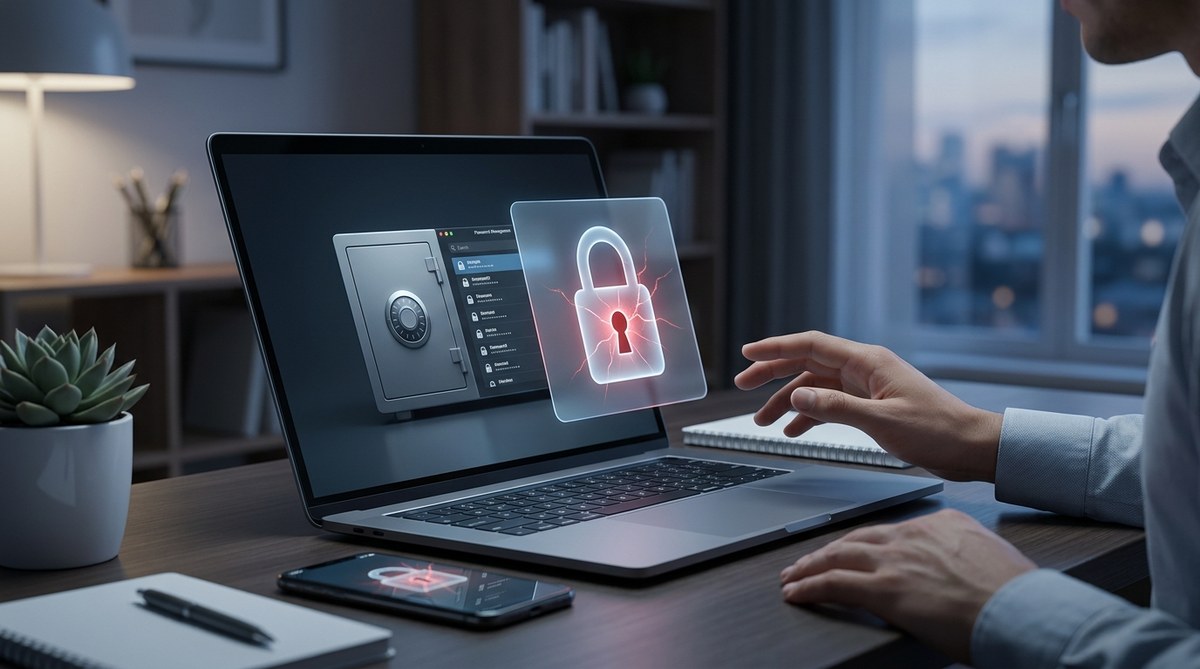
If you use a password manager, you have probably wondered: is this thing actually safe? You trust it with every login you own. Bank accounts, email, health portals, even your work credentials. One app holds the keys to your digital life. That is a lot of trust to put in a single piece of software. And with data breaches making headlines every month, it is fair to ask whether your password manager is protecting you or quietly exposing you to new risks. Let's look at the real threats and separate the hype from the real dangers.
Password managers are still the best defense against weak and reused passwords, but they are not risk free. The biggest dangers include provider data breaches, master password theft, and device compromise. You can protect yourself by enabling multi-factor authentication, using a strong master password, and treating your vault like a physical safe. No tool is perfect, but the right habits make password managers far safer than going without one.
The Hidden Trade-Off: Convenience vs. Risk
Password managers remove a massive burden. You no longer need to remember 50 different logins. They generate strong random passwords and autofill them for you. That alone stops the most common attack vector: credential stuffing from reused passwords. Yet every convenience comes with a trade off. By centralizing your secrets, you create a single point of failure. If someone gets into your vault, they get into everything.
Think of it like a house. Without a manager, your passwords are scattered across sticky notes and browser memory. With a manager, you put all the keys in one strong box. The box is better than the sticky notes, but only if the lock is strong and you do not leave the box open.
The question is not whether password managers are good or bad. It is whether you understand the risks well enough to handle them.
The Biggest Password Manager Risks You Can't Ignore
-
Data breaches at the provider. Even if your vault is encrypted, the company behind it can still be hacked. In 2026, several major password managers have disclosed security incidents. When a breach happens, encrypted vaults are stolen. A skilled attacker who also steals your master password (through phishing or malware) can decrypt everything. The LastPass breach of 2022 taught us that encrypted data can still be targeted for years.
-
Master password theft. Your master password is the single key. If someone watches you type it, if you reuse it on another site, or if you fall for a phishing email that asks for it, your whole vault opens up. No amount of encryption helps if you hand over the key.
-
Local device compromise. If your phone or laptop is infected with malware, a keylogger can capture your master password as you type. Screen scrapers can record your vault contents after you unlock it. A password manager does not protect you from a compromised device. It actually becomes the attacker's treasure chest.
-
Phishing attacks that target your vault. Some phishing attacks are now designed to steal credentials from the autofill function itself. A fake login page can trick your password manager into filling in the real credentials, then forward them to the attacker. Certain managers have protections against this, but the risk is still real.
-
Cloud synchronization vulnerabilities. Most password managers sync your vault across devices through the cloud. That means your encrypted data lives on a server somewhere. While the encryption is strong, the sync process can introduce weaknesses. If the sync protocol has a bug, an attacker could intercept your vault in transit.
-
Insider threats at the company. Employees at the password manager provider could theoretically access your data if the encryption is not end to end. Reputable companies use zero knowledge architecture, meaning they cannot see your vault. But not all providers are transparent about this. A few have been caught logging plaintext credentials.
-
Flawed encryption implementation. Encryption is hard to get right. Even a small mistake in how a password manager implements AES, key derivation, or random number generation can create a hole. Independent security audits help, but not every manager does them regularly.
What the Research Says in 2026
Recent studies from the Cyber Security Agency and independent labs confirm that password managers reduce overall account compromise rates by over 60%. However, they also found that users who do not enable multi-factor authentication on their manager account are three times more likely to suffer a vault breach. The table below breaks down the common risks and how often they lead to actual data loss.
| Risk Factor | Likelihood of Exploitation | Typical Impact |
|---|---|---|
| Provider data breach | Moderate (few per year) | Encrypted vaults stolen; requires secondary attack |
| Master password theft | High (via phishing or reuse) | Full vault compromise |
| Local malware | High on unprotected devices | Real time credential theft |
| Autofill phishing | Moderate to high | One credential per attack |
| Weak cloud security | Low for top providers | Rare, but catastrophic |
| Insider threat | Very low | Possible in opaque companies |
| Encryption flaw | Extremely low | Depends on specific bug |
The message is clear: the biggest risks are not from the password manager itself. They come from human error and weak surrounding security. If you choose a reputable provider and lock your vault properly, you are already ahead of the game.
How to Protect Your Vault in 6 Practical Steps
These steps are not just for security experts. Anyone can follow them.
-
Pick a well audited provider. Look for companies that publish third party security audits and have a transparent bug bounty program. Avoid managers that are not transparent about their encryption.
-
Create a strong master password that you never reuse. Use a passphrase like "correct horse battery staple" or a random string of 5 words. Do not write it down in a file on your computer. Memorize it or store it in a physical safe.
-
Enable two factor authentication on your manager account. Use an authenticator app or a hardware key (like a YubiKey). Do not rely on SMS if you can avoid it.
-
Update your manager regularly. Keep the app and browser extension up to date. Updates often patch security vulnerabilities.
-
Secure the devices you unlock your vault on. Use strong device passwords, enable full disk encryption, and install reputable antivirus software. If you think a device might be compromised, change all passwords from a clean device.
-
Be careful with autofill on suspicious sites. Many managers now offer a setting to require manual clicks before filling. Turn that on. It adds one second but blocks automatic credential theft.
A Common Mistake That Undermines Everything
"The biggest vulnerability in password managers is the human behind the keyboard. I have seen clients who use a weak master password because they are afraid of forgetting it. That fear defeats the entire purpose. A weak master password turns a secure vault into a locked glass box. One well placed guess and everything shatters." * — Mike Sullivan, Principal Security Consultant*
That advice from a real world security expert highlights a truth that often gets overlooked. The technology is only as strong as the habits around it. You can have the best encryption in the world, but if you share your master password with a colleague or reuse it on a sketchy forum, you have thrown that protection away.
The Final Check: Is Your Password Manager Putting You at Risk?
So, should you stop using a password manager? No. The risks exist, but they are manageable. The alternative is far worse: reusing weak passwords across dozens of accounts, which almost guarantees a breach eventually. Password manager risks are real, but they are risks you can control.
Start by running a personal security audit. Review your current vault settings. Make sure your master password is strong and unique. Enable two factor authentication if you have not already. And if you manage credentials for a team, read up on password management best practices every organization should implement.
The goal is not to fear your password manager. It is to respect it. Treat it like the valuable tool it is, and it will serve you well. Stay prepared, stay aware, and never assume your vault is invisible. Because in 2026, the biggest threat is not the technology. It is the gap between what we think is safe and what we actually do. Close that gap, and you will be far ahead of most people.