
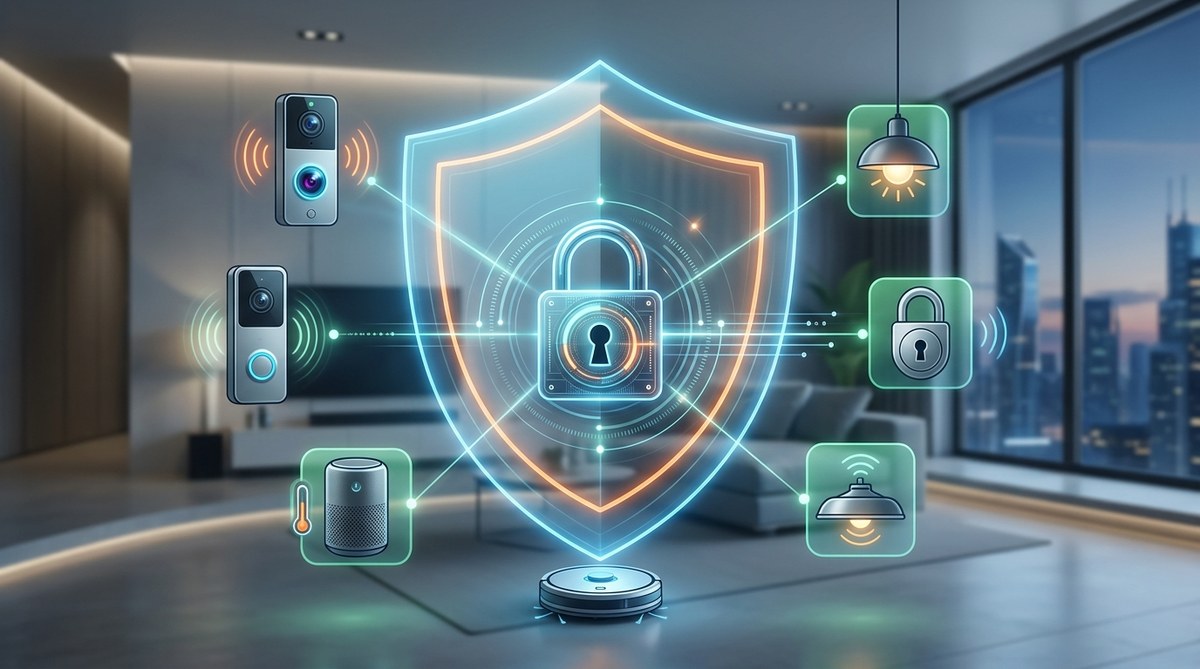
Your smart speaker listens for its wake word. Your thermostat knows when you leave for work. Your doorbell camera sees every package thief and every neighbor walking their dog. These devices make life easier, but they also raise an uncomfortable question: is your smart home spying on you?
The short answer is that some devices collect more data than they need. The longer, more useful answer is that you can keep the convenience without sacrificing your privacy. This smart home security guide for 2026 walks through the actual risks, the practical steps to reduce them, and the mindset that helps you stay prepared rather than paranoid.
Your smart home does not have to be a surveillance tool. By applying three core layers of protection (network segmentation, device hygiene, and data access control) you can slash your exposure to IoT threats. This guide gives you a repeatable process to lock down each device without needing a degree in cybersecurity.
What Actually Happens When a Smart Home Gets Compromised
Stories about hacked baby monitors and hijacked security cameras make headlines because they are terrifying. A stranger watching your toddler is a nightmare scenario. But most IoT compromises are less dramatic and more insidious.
Attackers often target smart devices not to watch you, but to build a profile. Your smart bulb does not have a camera, but it can reveal when you are home, when you sleep, and what rooms you use most. Combine that with data from your smart thermostat and your voice assistant, and a stranger can map your daily routine with surprising accuracy.
The real threat in 2026 is not a single device being hacked. It is the aggregation of data across your entire smart home ecosystem. A hacker who breaks into your smart lock might not care about your front door. They care about the fact that your lock data, combined with your calendar app and your car’s GPS, tells them exactly when your house will be empty.
The Three Realms of Smart Home Risk
Before we get into fixes, it helps to understand where the risks live. Think of your smart home as having three layers:
| Layer | What It Includes | Common Mistake | Better Approach |
|---|---|---|---|
| Network | Your Wi-Fi router, mesh system, and how devices talk to each other | Leaving all devices on one flat network | Create a separate guest network for IoT gear |
| Device | The hardware itself (cameras, locks, speakers, plugs) | Keeping default passwords and outdated firmware | Change credentials on setup and enable auto-updates |
| Data | What the device collects and where that information goes | Ignoring privacy policies and data-sharing settings | Review permissions annually and disable unnecessary cloud features |
Each layer needs attention. Ignoring one creates a weak spot that undermines the others.
How to Audit Your Smart Home in 7 Steps
You do not need to start from scratch. Follow this numbered process to assess and secure your current setup. Work through one device at a time.
-
Inventory every connected device. Walk through your home with a notebook or a note app. List every gadget that connects to the internet. Include things you might forget: smart TVs, gaming consoles, printers, even your refrigerator. If it has a network connection, it goes on the list.
-
Check the default settings. For each device, open its companion app or web interface. Look for settings related to data collection, microphone access, and camera feeds. Turn off anything that does not directly support a feature you use. For example, your smart speaker does not need to save recordings of your conversations to improve its voice recognition. Disable that.
-
Update the firmware. This is the single most effective step. Manufacturers release patches to fix known vulnerabilities. If your device has an automatic update option, turn it on. If not, set a reminder to check every three months. Most breaches happen because someone exploited a bug that was already fixed.
-
Change every default password. Use a password manager to generate unique, complex passwords for each device account. Never reuse a password across multiple services. If a device forces you to use a short PIN, make sure it is not 1234 or 0000.
-
Enable two-factor authentication. This applies to your main smart home hub account, your camera app, your lock app, and any service that stores personal data. Two-factor authentication stops most automated attacks cold.
-
Review third-party integrations. Many smart home platforms let you connect to services like IFTTT, Alexa Skills, or Google Actions. Each integration is a potential data leak. Remove any you do not actively use. For the ones you keep, check what data they can access.
-
Segment your network. If your router supports it, create a separate Wi-Fi network for your IoT devices. Keep your phones, laptops, and tablets on the main network. This way, if a smart plug gets compromised, the attacker cannot reach your computer.
Common Mistakes People Make (And How to Avoid Them)
Even privacy-conscious people slip up. Here are the most frequent errors:
- Assuming a device is secure because it is from a well-known brand. Big companies get hacked too. Brand trust is not a security strategy.
- Skipping the privacy policy. You do not have to read every word, but skim the section on data sharing. If the policy says the company can sell anonymized data, it will.
- Keeping devices on the network after they stop receiving updates. When a manufacturer stops supporting a device, it becomes a ticking clock. Replace it.
- Using voice assistants in private conversations. Smart speakers sometimes misinterpret background noise as the wake word. If you are discussing something sensitive, mute the microphone physically.
- Connecting everything to the same account. Using one login for all your devices makes a single breach catastrophic. Use separate accounts where possible.
What the Experts Recommend
“The most dangerous assumption you can make is that your smart home devices are too boring to target. Hackers are not always after your credit card. Sometimes they just want your bandwidth for a botnet, or your camera feed for a larger surveillance network. Treat every device as a potential entry point, because to an attacker, that is exactly what it is.”
That advice comes from a lead researcher at a major cybersecurity firm. The point is clear: your risk is not about how interesting you are. It is about how accessible your devices are.
The Devices That Deserve Extra Scrutiny
Some gadgets are riskier than others. Pay special attention to these:
- Security cameras and doorbells. These have microphones and cameras. They sit on the perimeter of your home. If compromised, they give an attacker a live view of your property. Always use strong passwords and enable encryption.
- Smart locks. A hacked lock does not just reveal your schedule. It can let someone physically enter your home. Choose locks that support encrypted communication and disable remote access if you do not use it.
- Voice assistants. Amazon, Google, and Apple all store transcripts of your requests. You can delete these regularly. Set your account to auto-delete recordings after a set period, like three months.
- Smart TVs. Many smart TVs track what you watch and send that data to advertisers. Some even have built-in microphones. Check your TV’s privacy settings and disable any listening features you do not need.
- Health and fitness devices. Smart scales, blood pressure monitors, and sleep trackers collect sensitive health data. Read our guide on why your fitness tracker could be exposing your health data to third parties to understand the full scope of the risk.
The Tools That Make Security Easier
You do not have to do all this manually. A few tools can automate the heavy lifting:
- A password manager like Bitwarden or 1Password generates and stores strong passwords for every account.
- A network scanner like Fing or the built-in tools in your router app shows every device on your network. Run it monthly to spot anything unfamiliar.
- A VPN on your router encrypts all traffic leaving your home. This makes it harder for your ISP or an attacker on public Wi-Fi to see what your devices are doing.
- A separate IoT VLAN (virtual local area network) isolates your smart gadgets. Many modern routers offer this as a preset option.
When to Worry and When to Relax
It is easy to get paranoid. You might start wondering if your refrigerator is sending audio clips to a data broker. Realistically, most smart home devices are not actively spying on you in the cinematic sense. They are passively collecting data that companies use for advertising and product improvement.
The real danger is that this data, if stolen or aggregated, can be used against you. A burglar does not need to hack your camera in real time. They can buy a list of homes where the smart lights show no activity between 9 AM and 5 PM.
So do not panic. But do take the steps above seriously. A little effort now prevents a lot of trouble later.
Staying Prepared Without Losing Your Mind
The goal is not to eliminate every risk. That is impossible. The goal is to reduce your exposure to a level where the remaining risk is acceptable.
Think of it like locking your car. You lock the doors and maybe use a steering wheel lock. You do not wrap your car in a concrete bunker. The same principle applies to your smart home. Do the basics well, and you will be safer than 90 percent of other smart home owners.
If you want to go deeper, check out our guide on how to conduct a personal security audit in 7 simple steps. It covers the same mindset applied to your entire digital life.
Your Smart Home, Your Rules
You bought smart devices to make your life better. They should work for you, not against you. By taking control of your network, your device settings, and your data permissions, you can enjoy the convenience of a connected home without inviting the world into your living room.
Start with one device this weekend. Change the password. Check for updates. Review the privacy settings. Once you see how simple it is, you will want to do the rest. And that is the real win: not fear, but confidence.