
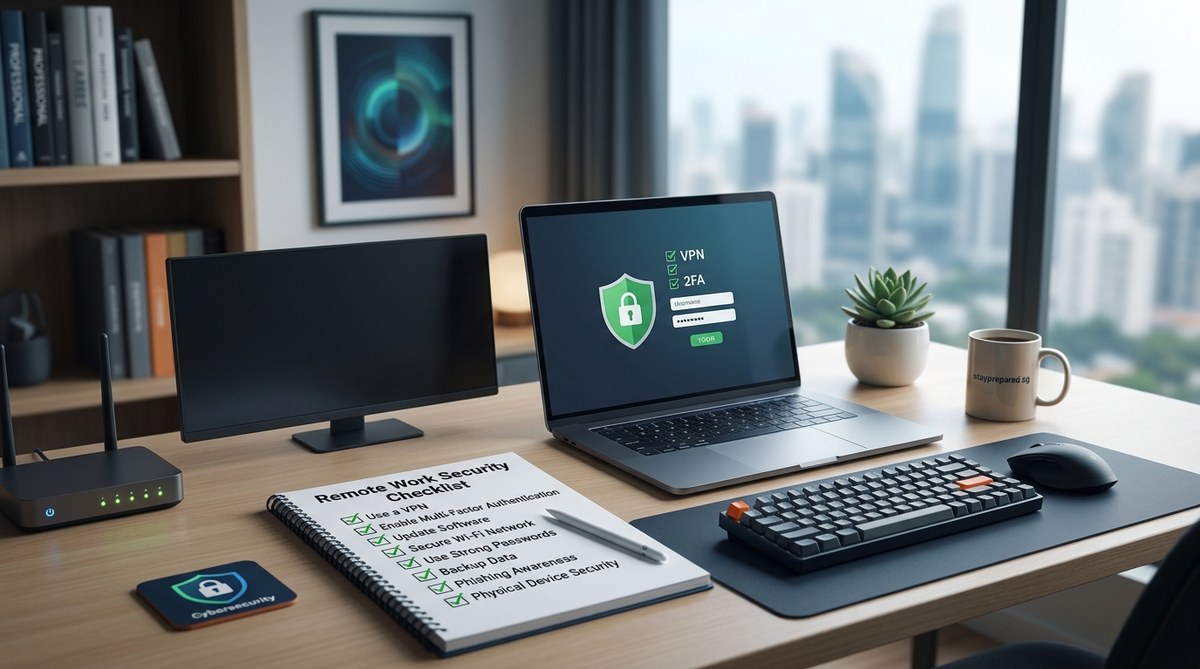
Getting remote work right means more than just setting up a laptop at home. It involves a proactive approach to security that keeps your data safe from evolving cyber threats. As remote work continues to grow, so do the risks. Hackers often target weak points in home networks, unsecured devices, and human errors. Having a clear remote work security checklist helps you build defenses that are simple to implement and effective in protecting your digital environment.
A solid remote work security checklist combines practical steps and best practices to protect sensitive information. Regularly updating systems, securing devices, and fostering awareness are key to a resilient remote work setup that guards against cyber threats while maintaining productivity.
Establish a secure remote work foundation
The core of a safe remote work environment lies in establishing strong, consistent security practices. This begins with understanding where vulnerabilities lie and systematically addressing them.
1. Secure your network at home
A reliable, protected internet connection forms the first line of defense. Make sure your Wi-Fi uses a strong, unique password and WPA3 encryption if available. Change default router credentials immediately and disable remote management features unless absolutely necessary. Consider segmenting your network by creating a separate guest network for visitors and IoT devices. This limits access to your primary work devices and prevents potential breaches from spreading.
2. Use strong authentication methods
Multifactor authentication (MFA) is a must. It adds an extra layer of security beyond passwords. Enable MFA on all critical accounts such as email, cloud storage, and VPNs. Use password managers to generate and store complex passwords. Avoid reusing passwords across multiple accounts, which can easily be exploited.
3. Keep all devices updated
Regularly patch operating systems, applications, and security software. Cybercriminals often exploit known vulnerabilities that software updates fix. Automate updates whenever possible and verify that your antivirus or anti-malware tools are active and current.
4. Encrypt data and sessions
Encryption protects your data both at rest and in transit. Use end-to-end encrypted communication tools for sensitive conversations. Enable full disk encryption on laptops and mobile devices. When connecting to corporate resources, always use a reputable virtual private network (VPN) to secure your internet traffic.
5. Protect physical devices and workspace
Physical security is often overlooked. Keep work devices in a secure place when not in use. Lock your screen whenever stepping away from your desk. Avoid leaving devices unattended in public spaces. Use privacy screens if working in shared environments. Physical security also extends to backing up data regularly to secure cloud or external drives, reducing the risk of losing critical information.
6. Foster a security-aware culture
People are often the weakest link in security. Regular training and reminders can make a difference. Teach colleagues and employees about common tactics like phishing attacks, fake emails, and social engineering. Encourage a cautious approach to opening unknown links or attachments. Promote reporting suspicious activity promptly.
“Security is a shared responsibility. Regular education and vigilance are your best tools in preventing breaches,” emphasizes cyber security expert Jane Smith.
Practical steps for a resilient remote work environment
Taking action on these key points can dramatically improve your security posture. Here’s a step-by-step process to implement your remote work security checklist effectively.
1. Audit and upgrade your home network
Start by changing default passwords on routers. Enable WPA3 encryption. Create a guest network for visitors and smart devices. Regularly check for firmware updates from your router manufacturer.
2. Implement multi-factor authentication across all accounts
Activate MFA on your email, cloud platforms, and VPN. Use a trusted password manager to handle complex credentials. This reduces the risk of unauthorized access even if passwords are compromised.
3. Automate system updates and security scans
Schedule automatic updates for your operating systems and applications. Run routine malware scans. Keep your security software active at all times.
4. Use encrypted communication tools and VPNs
Choose platforms that offer end-to-end encryption for sensitive conversations. Always connect through your organization’s VPN when accessing company resources remotely.
5. Lock devices and secure physical spaces
Enable automatic screen locking. Do not leave devices unattended in public. Use privacy screens to prevent shoulder surfing.
6. Regularly back up your data
Use encrypted cloud services or external drives. Schedule backups regularly to avoid data loss from hardware failure or ransomware attacks.
7. Develop security policies and training programs
Create guidelines for device usage, data handling, and reporting incidents. Conduct training sessions to keep everyone updated on new threats and best practices.
Techniques versus common mistakes
To clarify what works and what doesn’t, here’s a table that highlights effective techniques and common pitfalls.
| Techniques | Mistakes to avoid |
|---|---|
| Enabling MFA on all critical accounts | Reusing passwords across multiple platforms |
| Regularly updating systems | Ignoring software updates and patches |
| Using strong, unique passwords | Using default or weak router passwords |
| Securing Wi-Fi with strong encryption | Sharing Wi-Fi passwords openly in the household |
| Encrypting sensitive data and sessions | Accessing sensitive info over unsecured networks |
| Conducting staff security training | Relying solely on technology without human awareness |
Additional security measures to consider
While the basics cover most needs, advanced steps add layers of protection. These include:
- Implementing zero trust architecture where every device and user is verified before access
- Using endpoint detection and response tools for real-time monitoring
- Conducting periodic security audits and vulnerability assessments
- Developing a comprehensive incident response plan
Keep security habits consistent and up to date
Cyber threats evolve constantly. What’s secure today might be outdated tomorrow. Schedule regular reviews of your security practices. Stay informed about new risks and adjust your checklist accordingly.
Securing your remote work environment for the long haul
Building a security-conscious remote work setup is an ongoing process. It involves a mix of technology, policies, and human awareness. By following this checklist, you create a resilient environment that minimizes risks and keeps your data protected. Remember, the goal isn’t just to fix vulnerabilities today but to maintain a security mindset that adapts to future challenges.
Taking these steps now will help you work confidently from anywhere. Implementing a remote work security checklist is about creating a safe digital space so you can focus on your work with peace of mind.