
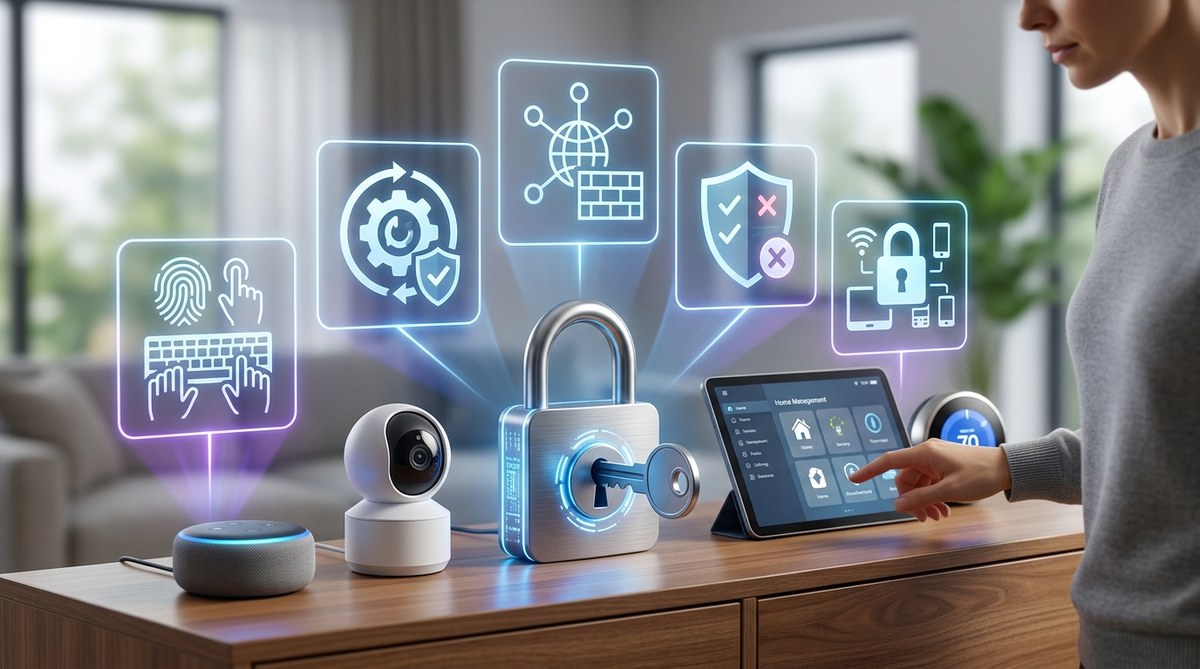
Your smart speaker listens for your commands. Your thermostat learns your schedule. Your doorbell streams video to your phone. But every one of those devices is also a potential weakness. In 2026, the average American home has over 20 connected gadgets. Each one is a door that could be opened by someone you didn’t invite. The good news is that a few smart home security tips can lock those doors without sacrificing convenience. You don’t need to be a tech expert to protect your family. You just need a plan.
Securing your smart home means protecting both your digital and physical world. From weak Wi-Fi passwords to unpatched devices, small gaps can lead to big problems. This guide covers practical steps any homeowner can take today: lock down your network, update firmware, use strong passwords, enable two-factor authentication, and review device permissions. Start with these basics to keep your connected home safe from hackers and burglars alike.
Why Your Smart Home Needs a Security Checkup
Think of your home network as a front door. If that door is flimsy, anyone can walk in. But if you add a deadbolt, a security camera, and an alarm, you create layers of defense. The same idea applies to your smart home.
Hackers don’t just target big companies anymore. They scan neighborhoods for vulnerable routers, unsecured cameras, and outdated devices. In 2025, cybersecurity firm Norton reported a 30% increase in attacks on smart home devices. In 2026, that number keeps climbing. The reason is simple: people buy gadgets for convenience, but they don’t always think about security. That makes them easy targets.
But here’s the truth: with a few intentional steps, you can lock down your setup and sleep better at night. Let’s walk through five smart home security tips that cover both cyber threats and physical intrusions.
5 Essential Steps to Lock Down Your Smart Home
1. Secure Your Wi-Fi Network Like a Fortress
Your router is the central nervous system of your smart home. If someone gains access to it, they can control everything from your lights to your locks. Start here.
- Change the default admin credentials. Most routers ship with a generic username and password like “admin/admin”. That is the first thing a hacker tries. Log into your router’s settings and create a unique, complex password.
- Enable WPA3 encryption. If your router supports it, use WPA3. If not, at least use WPA2. Avoid WEP like it’s 1998. This encryption scrambles data so outsiders can’t read it.
- Create a separate guest network. Your smart devices don’t need to be on the same network as your laptop and phone. Set up an IoT (Internet of Things) network specifically for your smart bulbs, cameras, and thermostats. That way, if a smart plug gets compromised, your personal files stay safe.
- Disable remote administration. You probably don’t need to log into your router from outside your home. Turn off this feature unless you absolutely require it.
For a deeper look at how to harden your home network, read our guide on 10 Critical Mistakes That Compromise Your Home Network Security.
2. Update Firmware and Software Automatically
Manufacturers release updates to fix security holes. If you ignore them, you leave those holes wide open.
- Turn on automatic updates for every smart device that supports it. Check the settings app on your phone or the device’s web interface.
- Set a monthly reminder to manually update devices that don’t auto-update. Put it on your calendar with a recurring event.
- Replace devices that are no longer supported. If a company stops releasing firmware updates, that device becomes a liability. Consider upgrading to a newer model.
As one cybersecurity researcher put it: “Your smart home is only as secure as the weakest device. If your smart plug hasn’t been updated in two years, it’s a backdoor.”
3. Use Strong, Unique Passwords for Every Account
Reusing passwords is like using the same key for your house, your car, and your office. Lose that key once, and everything is at risk.
- Use a password manager. Apps like Bitwarden or 1Password generate and store complex passwords for you. You only need to remember one master password.
- Avoid personal information. Don’t use your street name, your pet’s name, or your birthday. Hackers can find that data on social media.
- Create passphrases instead. A passphrase like “CopperPianoShoeCactus” is easier to remember and harder to crack than “P@ssw0rd!”.
For more detailed advice, check out our article on Are Your Passwords Strong Enough? 7 Common Mistakes That Put You at Risk.
4. Enable Two-Factor Authentication Everywhere
Two-factor authentication (2FA) adds a second layer of protection. Even if someone steals your password, they can’t access your account without a code sent to your phone or generated by an app.
- Activate 2FA on your smart home hub (like Alexa, Google Home, or Apple HomeKit).
- Enable it on your router’s management interface if possible.
- Use an authenticator app rather than SMS codes, because SIM swapping attacks are on the rise in 2026.
5. Review Device Permissions and Disable Unused Features
Smart devices often come with features you don’t need. Every extra feature is an extra risk.
- Check what each app can do. Does your smart camera really need access to your contacts? Probably not.
- Disable microphone and camera access on devices that don’t need them. For example, your smart bulb doesn’t need a camera.
- Turn off remote access for devices you control only from inside your home.
- Remove old devices from your account. If you gave away or sold a smart speaker, make sure it’s fully deauthorized.
For a broader perspective on how all these pieces fit together, see our article Is Your Smart Home Ecosystem a Gateway for Hackers?
Common Mistakes vs. Best Practices
The table below highlights the most frequent errors homeowners make and what to do instead.
| Common Mistake | Why It’s Risky | Best Practice |
|---|---|---|
| Using the same password for all devices | One breach gives access to everything | Use a password manager to generate unique passwords |
| Skipping firmware updates | Known vulnerabilities stay open | Enable automatic updates or set monthly reminders |
| Keeping default router settings | Hackers can guess default credentials easily | Change admin username and password immediately |
| Connecting all devices to one network | Compromised device can infect your laptop | Create a separate guest or IoT network |
| Not using 2FA | Stolen password is all an attacker needs | Enable two-factor authentication on all accounts |
| Ignoring device permissions | Apps collect more data than needed | Review and restrict permissions regularly |
Beyond Your Digital Defenses: Physical Security Matters Too
Smart home security tips often focus on cyber threats, but physical intrusions are just as important. A burglar can still smash a window or pick a traditional lock. Your smart devices should complement physical security, not replace it.
- Mount cameras out of reach so they can’t be easily disabled.
- Use smart locks with a backup key. If the battery dies or the internet goes down, you still need a way in.
- Place motion sensors in key zones like hallways and near entry points.
- Reinforce doors and windows with quality deadbolts and security film.
Your Complete Guide to Building a Personal Emergency Preparedness Kit can also help you think about physical safety alongside digital security.
Your Smart Home Security Journey Starts Today
Locking down your smart home doesn’t have to be overwhelming. Start with one step: change your router password. Next week, enable automatic updates. The week after, set up a guest network. Each action builds a stronger barrier between your family and potential threats.
The goal isn’t paranoia. It’s peace of mind. By following these smart home security tips, you can enjoy the convenience of a connected home without lying awake wondering who might be watching. Take it step by step. You’ll be glad you did.