
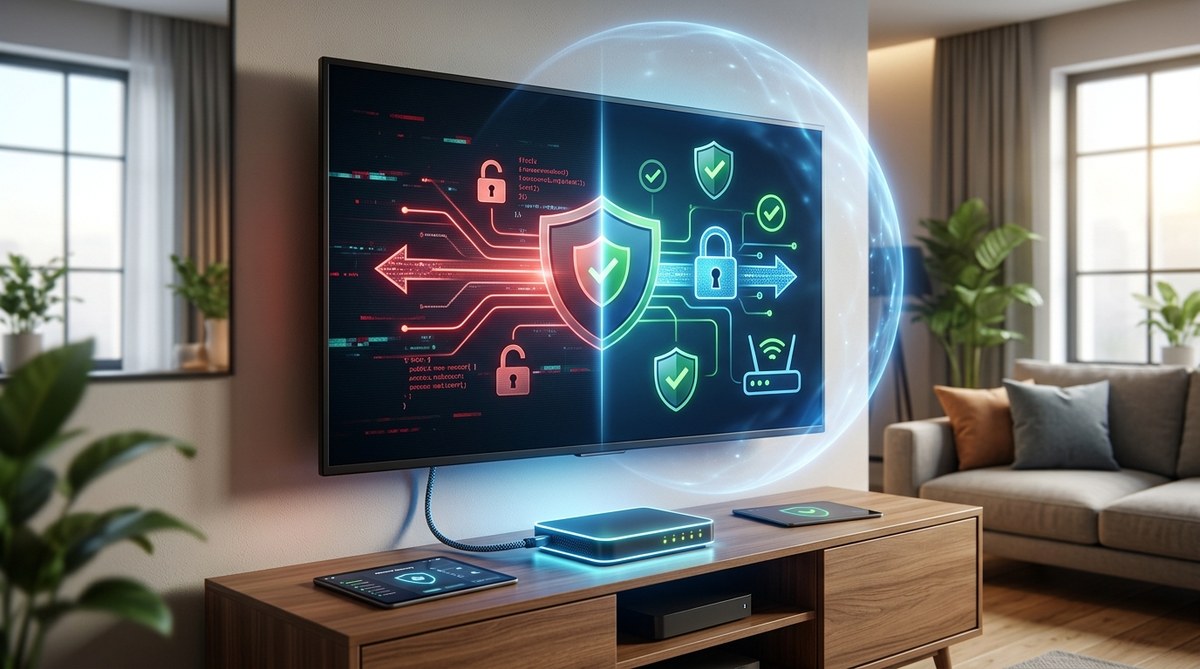
Your living room TV is listening. It might be watching too. And the worst part? You probably gave it permission to do both without ever reading the fine print.
Smart TVs have become the centerpiece of modern home entertainment. They stream your favorite shows, connect to your voice assistant, and even sync with your other smart home gadgets. But that convenience comes with a hidden cost. Every time you power on your set, it can collect data about what you watch, how long you watch it, and even what you say near the remote.
The smart TV cybersecurity risk is real. Hackers have found ways to turn these devices into listening bugs, ransomware entry points, and gateways into home networks. In 2026, with more households owning at least one connected TV, the threat is bigger than ever.
The good news? You do not need to be a tech expert to protect yourself. A few simple changes can lock down your TV and keep your private life private.
Smart TVs are vulnerable to hacking, data tracking, and remote surveillance because they run full operating systems with weak default security. You can reduce your risk by changing privacy settings, disabling microphone and camera access, using a separate network for IoT devices, and installing regular firmware updates. Taking 15 minutes to secure your TV protects your entire home network from intrusion.
The Hidden Threat in Your Living Room
Most people treat their TV like a simple appliance. You plug it in, connect to Wi-Fi, and start watching. But a smart TV is actually a computer. It runs an operating system, installs apps, and connects to the internet constantly.
That always-on connection is what makes it dangerous.
Researchers have found that many smart TV models send viewing data to third parties without clear disclosure. In some cases, the TV captures audio from your room and sends it to servers for ad targeting. This is not a bug. It is a feature baked into the software.
Beyond data collection, there is a more serious threat. Hackers can exploit vulnerabilities in smart TV operating systems to gain remote access. Once inside, they can:
- Activate the built-in camera and microphone to spy on you
- Install ransomware that locks your TV until you pay
- Use your TV as a foothold to attack other devices on your network
- Steal login credentials for streaming services
According to a 2025 report from the Consumer Technology Association, over 80% of new televisions sold in the United States are smart TVs. That is a lot of potential entry points for cybercriminals.
“Your smart TV is essentially a computer with a camera and microphone that sits in the most private room of your home. Treat it with the same security caution you would give your laptop or phone.” — Dr. Elena Vasquez, cybersecurity researcher at Stanford University’s Center for Internet and Society
Common Smart TV Security Mistakes
Many homeowners make simple errors that leave their TVs exposed. Here are the most common mistakes and how to avoid them.
| Mistake | Why It is Dangerous | The Fix |
|---|---|---|
| Keeping default privacy settings | Allows TV manufacturer to collect and sell your viewing data | Go into settings and disable ad tracking and data collection |
| Leaving microphone always on | Hackers can activate it remotely to listen to conversations | Mute or disable the microphone when not using voice commands |
| Using the same Wi-Fi network as your computer | If the TV is compromised, the hacker can reach your laptop | Create a separate guest network for IoT devices |
| Ignoring firmware updates | Old software has known vulnerabilities that are easy to exploit | Enable automatic updates or check monthly |
| Installing unnecessary apps | Each app is a potential attack surface | Only install apps you actually use and delete the rest |
5 Steps to Secure Your Smart TV Right Now
You can dramatically reduce your smart TV cybersecurity risk in under 30 minutes. Follow these steps in order.
Step 1: Turn off ad tracking and data collection
Every major smart TV platform has a privacy menu. Look for settings labeled “Advertising,” “Interest-Based Ads,” or “Data Collection.” Turn everything off. On Samsung TVs, this is under Settings > Privacy & Security. On LG, look for Settings > All Settings > General > Privacy. On Roku, go to Settings > Privacy > Advertising.
Step 2: Disable the camera and microphone
If your TV has a built-in camera, cover it with a slide cover or a piece of opaque tape when not in use. For the microphone, go into settings and disable voice recognition features. You can always turn them back on when you want to search by voice.
Step 3: Connect to a separate network
Most modern routers let you create a guest Wi-Fi network. Name it something like “IoT Devices” and connect your TV, smart speakers, and other gadgets to that network. Keep your laptop, phone, and tablet on your main network. This way, if your TV gets hacked, the attacker cannot reach your important devices.
Step 4: Enable automatic updates
Check your TV’s system settings and make sure automatic updates are turned on. If your model does not support automatic updates, set a monthly reminder to check for new firmware. Manufacturers release patches to fix security holes, but only if you install them.
Step 5: Review and remove unused apps
Go through your app list. Delete anything you do not use regularly. Streaming services like Netflix and Hulu are generally safe, but random games or utility apps from unknown developers can be risky. Each app is a potential vulnerability.
What to Look For When Buying a New Smart TV
If you are in the market for a new television in 2026, security should be part of your decision. Here is a checklist to use before you buy.
- Check the manufacturer’s privacy policy online before purchasing
- Look for models that offer physical camera shutters
- Choose brands with a track record of regular security updates
- Avoid TVs that require you to create an account just to use basic features
- Read reviews from security-focused tech sites, not just entertainment reviewers
Some manufacturers have improved their privacy practices in response to consumer pressure. Others have not. A little research before you buy can save you a lot of headache later.
When Your TV Might Already Be Compromised
How do you know if your smart TV has been hacked? Look for these warning signs.
- The TV turns on or off by itself
- You see strange apps or channels you did not install
- The volume changes without anyone touching the remote
- The camera light turns on when you are not using it
- Your internet slows down noticeably when the TV is on
- You find unfamiliar devices on your network
If you notice any of these, disconnect the TV from Wi-Fi immediately. Then do a factory reset and change your Wi-Fi password. After that, go through the five steps above before reconnecting.
Why Your Streaming Habits Matter for Security
The apps you use on your smart TV can also create risks. Streaming services store your payment information, watch history, and sometimes your location. If a hacker gains access to your TV, they can often access those accounts too.
Use unique, strong passwords for each streaming service. Never use the same password for Netflix that you use for your email or bank account. Consider using a password manager to keep track of them all.
Also, be careful about what you say near your TV. Even with voice assistants disabled, some TVs still listen for wake words. If you discuss sensitive topics like financial information or medical conditions, do it away from the TV.
Protecting Your Whole Home Network
Securing your smart TV is one piece of a larger puzzle. Your home network is only as strong as its weakest device. That might be a smart plug, a baby monitor, or an old printer.
For a complete approach, consider reading about how to conduct a personal security audit in 7 simple steps. This will help you identify all the vulnerable devices in your home.
You should also look at your router settings. Make sure WPA3 encryption is enabled if your router supports it. Change the default admin password. And disable remote management features that let anyone access your router from outside your home.
If you want to go deeper, check out this guide on 10 critical mistakes that compromise your home network security. Many homeowners make these errors without realizing the risk.
Your Smart TV Is a Computer. Treat It Like One.
The biggest shift in mindset is understanding that your television is no longer a passive device. It is an active computer connected to the internet, capable of sending and receiving data at all times.
That does not mean you need to throw it out or stop using streaming services. It just means you need to apply the same basic security habits you use for your laptop and phone.
Set aside 15 minutes this weekend to go through the privacy settings. Cover the camera. Update the software. And connect it to a separate network. These small actions will protect your privacy and keep your home safe from the growing smart TV cybersecurity risk.
Your TV should entertain you, not expose you. Take control of it today.